Best WordPress Hosting Australia: 8 Providers Compared (2026)
Your hosting decides how fast your website loads, how often it goes down and who fixes it when something breaks. For a business website, that’s the difference between winning leads and losing them.
We compared 8 WordPress hosts with Australian data centres, across shared, cloud, VPS and managed WordPress hosting. Every plan, feature and price was checked on each provider’s website in November 2026.
Our picks at a glance:
- WP Creative: Best for Australian businesses needing fully managed WordPress hosting
- Kinsta: Best for premium managed WordPress hosting
- WP Engine: Best for advanced WordPress development workflows
- SiteGround: Best overall shared WordPress hosting
- FastComet: Best for Sydney-hosted LiteSpeed WordPress hosting
- ChemiCloud: Best value shared WordPress hosting
- Cloudways: Best for flexible managed cloud hosting
- Crucial: Best Australian managed VPS hosting
Best WordPress Hosting in Australia: Quick Comparison
The best WordPress hosting depends on your website’s traffic, budget and technical support needs. We’ve compared eight providers to help you find the right fit.
| Host | Hosting type | Australian data centre | Key advantage |
|---|---|---|---|
| WP Creative | Managed WordPress | Yes | Hosting and WordPress maintenance from one team |
| Kinsta | Managed WordPress | Sydney and Melbourne | Premium Google Cloud infrastructure and 24/7 support |
| WP Engine | Managed WordPress | Sydney | Development, staging and production environments on every plan |
| SiteGround | Shared | Sydney | Daily backups, firewall and automatic updates on every plan |
| FastComet | Shared | Sydney | LiteSpeed Enterprise, NVMe storage and free expert transfers |
| ChemiCloud | Shared | Sydney | Free migrations and a 45-day money-back guarantee |
| Cloudways | Managed cloud | Sydney, on selected providers | Choice of five cloud providers, billed hourly |
| Crucial | Managed VPS | Sydney and Melbourne | Fully managed server with 24/7 Australian support |
Four Types of WordPress Hosting (Know This Before You Compare)
WordPress hosting comes in four main types. The key differences are how server resources are allocated, who handles technical maintenance and how much control you have over your hosting environment.
Choosing the right type helps you avoid paying for features you don’t need or ending up with a website that’s difficult to maintain.
| Hosting type | How it works | Who handles WordPress updates and security | Best for |
|---|---|---|---|
|
Managed WordPress WP Creative, Kinsta, WP Engine |
Your site runs on servers tuned for WordPress, with core updates, backups, security and staging handled for you. Costs more than shared hosting | The provider handles core updates and security. Plugin updates vary by plan | Businesses, marketing teams and WooCommerce stores |
|
Shared SiteGround, FastComet, ChemiCloud |
Your site shares one server’s resources with many other sites. Affordable, but performance can suffer as traffic grows | Mostly you or your developer. Some hosts, like SiteGround, include automatic updates | Small business websites, blogs and tight budgets |
|
Cloud Cloudways |
Your site runs on virtual servers from a cloud provider like Google Cloud or AWS. Server resources can be resized as your traffic changes | Your in-house team or a developer. The provider manages the server only | Growing websites with changing traffic |
|
VPS Crucial |
A private virtual server with allocated resources, usually with root access. Needs server know-how unless it’s managed | Your in-house team or a developer, unless you choose a managed VPS | Developers, agencies and sites needing server control |
Best Managed WordPress Hosting in Australia
Managed WordPress hosting means the host handles the technical side for you: core updates, backups, security and staging. It costs more than shared hosting, but it’s the safest choice for a business website that brings in leads or sales.
1. WP Creative: Best for Australian Businesses Needing Fully Managed WordPress Hosting

Yes, we’re on this list. WP Creative is a Sydney-based WordPress agency with 10+ years in business and 1,200+ brands served.
Our biggest difference is that we look after both the hosting environment and the WordPress website. If a plugin update breaks a form, a checkout stops working or a campaign creates unexpected traffic, you have one team that understands the server and the website itself.
WP Creative Hosting Snapshot
| Feature | Details |
|---|---|
| Best for | Business websites, marketing teams and online stores that need hosting and website care from one team |
| Australian data centres | Yes. Your site, its data and its daily backups all stay in Australia |
| Plans | Basic “Host it” (brochure sites), Business “Power it” (lead generation and content-heavy sites), Premium “Scale it” (WooCommerce, memberships and high-traffic sites) |
| Performance | Server and edge caching, global CDN, bot and attack filtering. Servers prepared before big campaigns |
| Backups | Daily, kept for 30 days. Every 6 hours on Premium |
| Security | SSL, malware cleanup included, PHP and server patches applied by our team |
| Staging | Included on every plan. Updates are tested on staging before they reach your live site |
| Support | Our in-house team. Critical (P1) incidents get a response within 1 hour and a fix within 4 hours, 8 am to 8 pm, on every plan. Uptime monitoring and priority support on Business and Premium |
| Migration | Free standard migration on every plan, planned around your campaigns |
| Pricing | Quoted per site. Pay monthly and cancel with 30 days’ notice, or pay annually and get two months free |
Pros
- Hosting and WordPress maintenance handled by one team
- Core, theme and plugin updates tested on staging before they go live
- Australian hosting, with your data and backups kept onshore
- Free migration and malware cleanup on every plan
- Servers and caching prepared ahead of big campaigns
Cons
- Not a budget option. It’s designed for business websites, not personal blogs
- No published pricing, so you’ll need to request a quote
- Critical (P1) response times apply 8 am to 8 pm, not around the clock
Our verdict
Choose WP Creative if your website generates leads or sales and you want one team responsible for keeping it working. For a personal blog, or a business that only needs basic server space, a lower-cost shared host may suit you better.
2. Kinsta: Best for Premium Managed WordPress Hosting
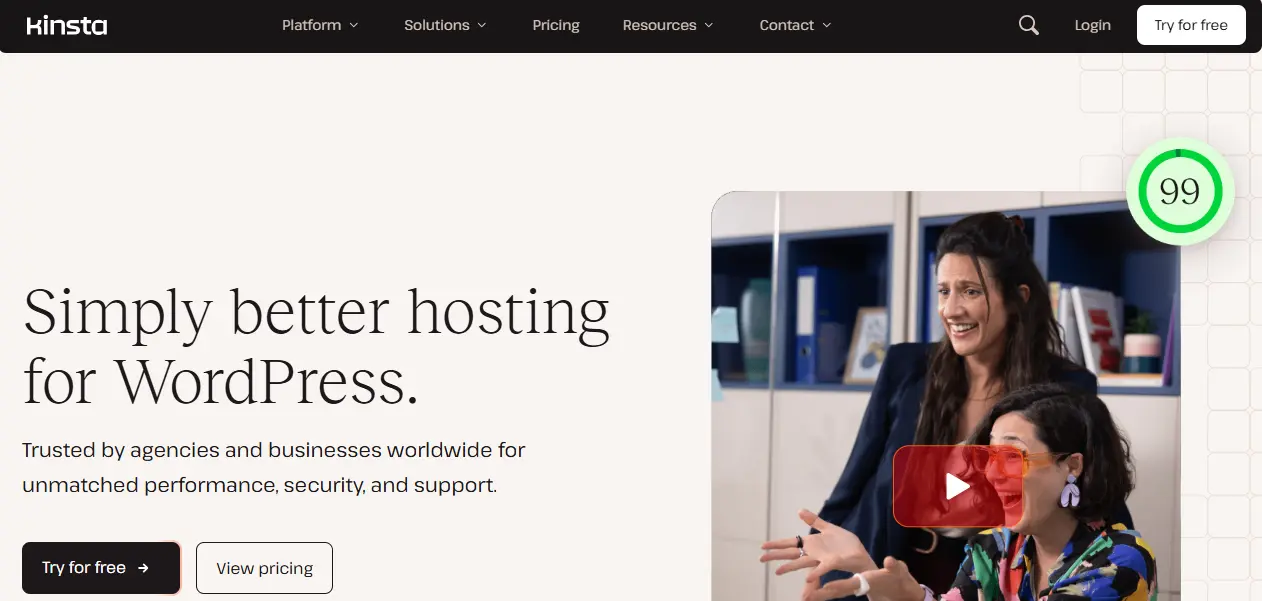
Kinsta is a premium managed WordPress host built on Google Cloud, with data centres in Sydney and Melbourne. Choose either one, and Kinsta states that no data is hosted outside Australia.
Its MyKinsta dashboard puts backups, staging, caching and performance tools in one place. Kinsta looks after the hosting, while custom fixes and website changes stay with your developer or agency.
Kinsta Hosting Snapshot
| Feature | Details |
|---|---|
| Best for | Businesses and agencies with their own developers that want premium infrastructure and 24/7 support |
| Australian data centres | Yes. Sydney and Melbourne, on Google Cloud. Kinsta states no data is hosted outside Australia when you choose either, with any add-ons that send data offshore turned off by default |
| Plans | Single-site, multi-site, Agency and Enterprise plans, sized by bandwidth or monthly visits |
| Performance | Advanced caching, edge caching, Cloudflare CDN with locations in six Australian cities, and a built-in APM tool |
| Backups | Automatic daily backups, kept for 14 days on entry plans. More frequent backups available as a paid add-on |
| Security | Fully managed WAF with DDoS protection, bot protection, free SSL and free malware removal on every plan |
| Staging | Free one-click staging environments on every plan |
| Support | 24/7 expert support via live chat, in 8 languages |
| Migration | Unlimited free migrations, handled by Kinsta’s team |
| Pricing | From US$35/month, or US$30/month billed annually. Prices exclude tax. First month free on select plans, plus a 30-day money-back guarantee |
Pros
- Sydney and Melbourne data centres, with your data kept in Australia
- Managed WAF, DDoS protection and free malware removal on every plan
- Unlimited free migrations
- MyKinsta dashboard with a built-in APM tool for tracking down slow pages
- 24/7 expert support
Cons

Slow website wasting your marketing spend?
- Uncover performance issues
- Identify SEO opportunities
- Security gaps, and quick wins
- Priced in US dollars, and prices exclude tax
- Automatic plugin and theme updates are a paid add-on, US$3 per environment per month after a 31-day free trial
- Plans have usage limits, and overage fees apply if your site exceeds them
- Entry plans keep backups for 14 days
Our verdict
Choose Kinsta if you want premium managed hosting with Australian data centres, and you have a developer or agency looking after the website itself. If you also need someone to handle website changes and custom fixes, you’ll need separate website support.
3. WP Engine: Best for Advanced WordPress Development Workflows
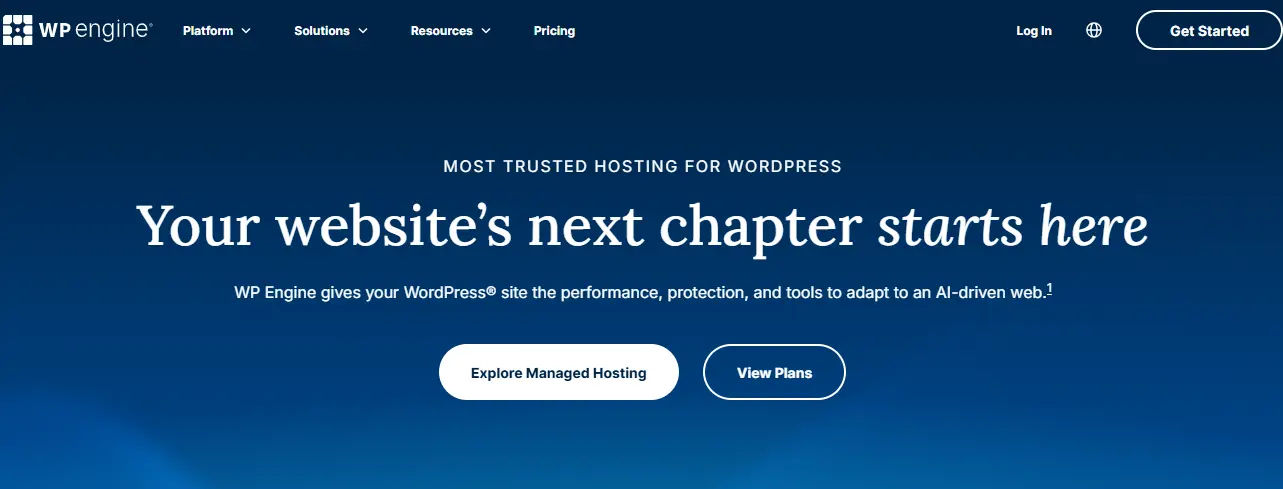
WP Engine is a managed WordPress host with a strong focus on development workflows. Every plan includes separate development, staging and production environments, so your team can test changes before they go live.
It also offers Sydney hosting, making it a practical option for Australian businesses with local visitors.
WP Engine Hosting Snapshot
| Feature | Details |
|---|---|
| Best for | Development teams, agencies and businesses managing complex WordPress websites |
| Australian data centres | Yes. Sydney and the wider Asia-Pacific region |
| Plans | Essential (shared environment, 25,000 to 400,000 visits/month), Business (isolated resources), Enterprise (custom) |
| Performance | EverCache® caching and a global CDN powered by Cloudflare |
| Backups | Daily automated and on-demand backups, kept for 30 to 60 days |
| Security | Free SSL, security patching, plugin risk scans and Layer 3 and 4 DDoS protection. A managed WAF with advanced DDoS protection is a paid add-on |
| Staging | One-click staging and development environments on every plan. Git-based CI/CD on Business and Enterprise |
| Support | 24/7 chat on Essential. Chat and phone on Business. A local Australian team during Australian business hours |
| Migration | Free automated migration plugin on every plan. Managed migrations on Business |
| Pricing | Essential from US$28/month billed annually, as a first-year price for new customers. Business from US$400/month. AUD billing available |
Pros
- Development, staging and production environments on every plan
- Git-based deployment workflows on Business and Enterprise
- Backups kept for at least 30 days
- Local Australian support team during business hours
- AUD billing for Australian customers
Cons
- Essential runs on a shared environment. Isolated resources and phone support start at Business
- Automatic plugin updates and uptime monitoring are paid add-ons on Essential
- The Essential price is a first-year offer, and renewal pricing can change
- Plans are sized by monthly visits, and overages may apply
Our verdict
Choose WP Engine if your team regularly builds, tests and deploys changes and wants proper development workflows. If you need someone to actively maintain the website itself, you’ll still need a WordPress support team.
Best Shared WordPress Hosting in Australia
Shared hosting puts your site on a server alongside other websites, which keeps costs low. It suits brochure sites and blogs with steady traffic, but WordPress upkeep mostly stays with your team or developer, and performance can suffer as your site grows.
4. SiteGround: Best Overall Shared WordPress Hosting

SiteGround is one of the most established shared hosts, with a data centre in Sydney that you can choose when you sign up and change later.
Every plan includes daily backups, a web application firewall and managed automatic updates, which is more than most shared hosts offer at the entry level.
SiteGround Hosting Snapshot
| Feature | Details |
|---|---|
| Best for | Small and growing business websites that want a well-rounded shared host with a Sydney data centre |
| Australian data centres | Yes. Sydney, one of 11 locations. You can change data centre at any time |
| Plans | StartUp (1 website, 10GB), GrowBig (unlimited websites, 50GB), GoGeek (unlimited websites, 100GB) |
| Performance | Multilevel caching, free CDN and the Speed Optimizer plugin. Faster PHP on GrowBig and GoGeek |
| Backups | Free daily backups, stored in a different location from your site. On-demand backups on GrowBig and GoGeek |
| Security | Web application firewall, AI-powered bot protection, free wildcard SSL and the Security Optimizer plugin |
| Staging | GrowBig and GoGeek only. Git integration on GoGeek |
| Support | 24/7 live chat. Priority support on GoGeek |
| Migration | Free with the SiteGround Migrator plugin |
| Pricing | Intro discounts apply to the first 12-month term, prepaid. StartUp renews at US$17.99/month. 30-day money-back guarantee |
Pros
- Sydney data centre, which you can switch later if your audience changes
- Daily backups stored away from your site, on every plan
- Firewall, bot protection and managed automatic updates on every plan
- Free migration plugin
Cons
- No staging on the entry-level StartUp plan
- StartUp hosts only one website, with 10GB of storage
- Intro prices require prepaying 12 months, and renewal rates are much higher
Our verdict
Choose SiteGround if you want a reliable, well-equipped shared host with Australian hosting, and you’re comfortable handling WordPress changes yourself. If you need staging, start on GrowBig. Check the renewal price before you commit, because the first-year discount makes the ongoing cost look lower than it is.
5. FastComet: Best for Sydney-Hosted LiteSpeed WordPress Hosting
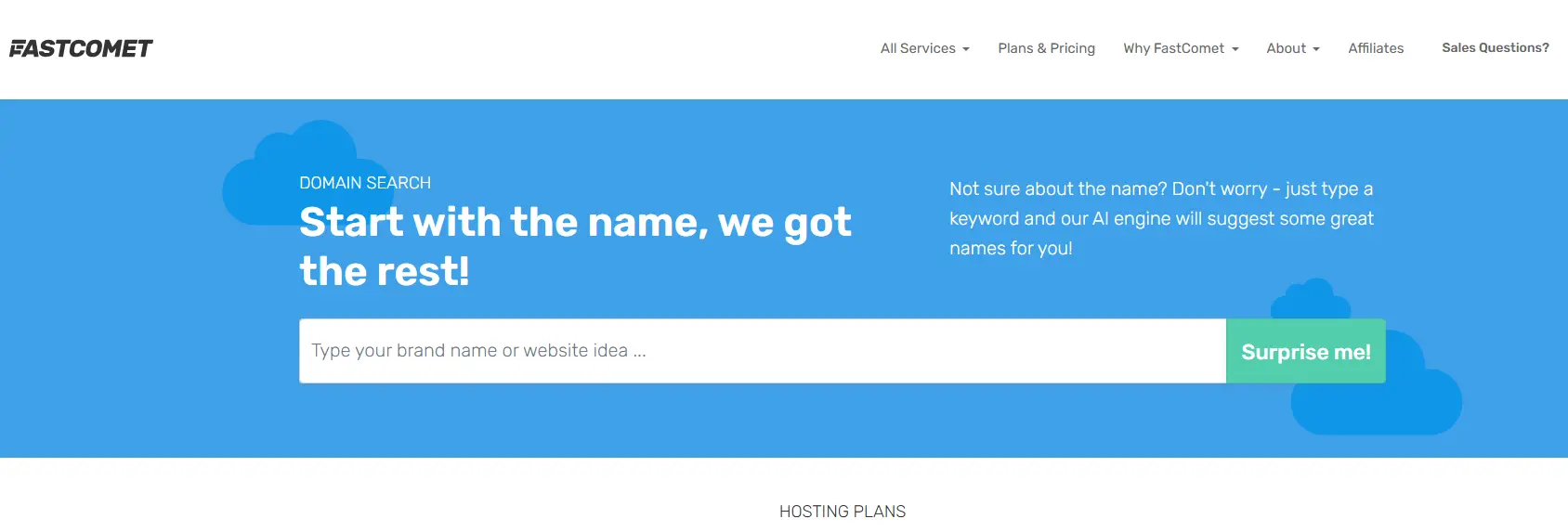
FastComet runs its shared hosting on LiteSpeed Enterprise servers with NVMe storage, and offers a Sydney data centre. FastComet states that when you choose Sydney, your data is never hosted outside Australia.
Security comes from Imunify360, and its support team handles website transfers for you.
FastComet Hosting Snapshot
| Feature | Details |
|---|---|
| Best for | Small business websites that want LiteSpeed performance with data hosted in Sydney |
| Australian data centres | Yes. Sydney, with data kept in Australia |
| Plans | Starter (1 website, 10GB), Essential (1 website, 20GB), Plus (unlimited websites, 30GB), Extra (unlimited websites, 40GB) |
| Performance | LiteSpeed Enterprise web server, LiteSpeed Cache for WordPress, NVMe storage and Cloudflare CDN integration |
| Backups | Daily off-site backups. 7 kept on Starter, Essential and Plus, and 30 on Extra |
| Security | Imunify360 with a web application firewall, daily malware scans and account isolation |
| Staging | Staging and cloning through WordPress Toolkit |
| Support | 24/7 support via live chat and tickets |
| Migration | Free expert transfers: 1 website on Starter and Essential, 2 on Plus, 3 on Extra |
| Pricing | Starter from US$9.95/month at the regular rate. Intro discounts apply to the first term only. 30-day money-back guarantee |
Pros
- Sydney data centre, with data kept in Australia
- LiteSpeed Enterprise and NVMe storage on every plan
- Guaranteed CPU and RAM allocations on every plan
- Free transfers handled by FastComet’s own team
Cons
- Starter and Essential host only one website
- Only 7 daily backups are kept, except on Extra
- Intro prices apply to the first term only
Our verdict
Choose FastComet if you want fast, Sydney-based shared hosting at a modest price for a small business site. If you need more backup history, the Extra plan keeps 30 days.
6. ChemiCloud: Best Value Shared WordPress Hosting
ChemiCloud offers WordPress hosting on LiteSpeed servers, with Sydney among its seven server locations. Every plan includes free migrations, unlimited email accounts and a 45-day money-back guarantee, the longest in this list.
Free malware removal is limited to its top plan. ChemiCloud also offers separate managed WordPress plans for more demanding sites.
ChemiCloud Hosting Snapshot
| Feature | Details |
|---|---|
| Best for | Budget-conscious small businesses that want free migrations and a long money-back period |
| Australian data centres | Yes. Sydney, one of 7 locations |
| Plans | WordPress Starter (1 website, 20GB), WordPress Pro (unlimited websites, 35GB), WordPress Turbo (unlimited websites, 50GB) |
| Performance | LiteSpeed servers, LiteSpeed Cache, NVMe storage and free Cloudflare CDN. Redis and HTTP/3 on Turbo |
| Backups | Daily backups: 10 kept on Starter, 20 on Pro and 30 on Turbo |
| Security | Imunify360, web application firewall, malware detection, account isolation and free SSL. Malware removal on Turbo only |
| Staging | One-click staging on Pro and Turbo |
| Support | 24/7 support via live chat and tickets |
| Migration | Free migrations on every plan, handled by ChemiCloud’s team |
| Pricing | WordPress Starter from US$11.95/month at the regular 36-month rate. Intro discounts apply to the first term only. 45-day money-back guarantee |
Pros
- Sydney server location
- Free migrations and unlimited email accounts on every plan
- 45-day money-back guarantee
- LiteSpeed caching and Cloudflare CDN included
Cons
- No staging on the entry-level Starter plan
- Free malware removal only on the Turbo plan
- The lowest prices require a 36-month prepaid term
Our verdict
Choose ChemiCloud if you want affordable, Sydney-hosted WordPress hosting with a generous money-back period. If you want staging and malware removal included, budget for the Turbo plan.
Best Cloud and VPS WordPress Hosting in Australia
Cloud and VPS hosting give your website its own allocated server resources, so a traffic spike on someone else’s site is less likely to slow yours down. They suit growing sites, online stores and agencies. The trade-off is more technical responsibility. The host looks after the server, but WordPress itself usually stays with your team or developer.
7. Cloudways: Best for Flexible Managed Cloud Hosting
Cloudways, owned by DigitalOcean, manages cloud servers for you on infrastructure from DigitalOcean, Vultr, Linode, AWS or Google Cloud. You choose the provider, the server size and the location, including Sydney.
Billing is pay-as-you-go with no lock-in contract, so you can scale up for a campaign and back down afterwards.
Cloudways Hosting Snapshot
| Feature | Details |
|---|---|
| Best for | Growing businesses and agencies that want cloud performance and flexible pricing, with a developer managing the website |
| Australian data centres | Yes. Sydney is available on several providers, including DigitalOcean and Vultr |
| Plans | Flexible (you choose the cloud provider and server size) and Autonomous (autoscaling WordPress hosting, from US$99/month) |
| Performance | NGINX-based Lightning Stack and Redis. Object Cache Pro is free on servers with 4GB RAM or more. Cloudflare Enterprise CDN is an add-on, from US$4.99 per domain per month |
| Backups | Automated and on-demand backups. Off-site backup storage is billed at US$0.033 per GB |
| Security | Imunify360 server firewall, free SSL, bot and brute-force protection, and a WordPress vulnerability scanner. Malware removal is an add-on, from US$4 per app per month |
| Staging | Free staging and cloning |
| Support | 24/7 live chat and tickets. Plugin and theme troubleshooting requires the paid Advanced Support add-on |
| Migration | Free migration of your first website, handled by Cloudways engineers |
| Pricing | From US$11/month on DigitalOcean, billed hourly and invoiced monthly. Tax may apply. 5-day free trial with no credit card required |
Pros
- Choice of five cloud providers, with Sydney available
- Pay-as-you-go billing, no lock-in, and servers you can resize at any time
- Free staging, Redis caching and a server firewall
- Free migration for your first site
Cons
- You choose and size the server yourself, which takes some technical judgement
- Email hosting isn’t included and costs extra
- Backup storage and bandwidth overages are billed on top of the server price
- Standard support doesn’t cover plugin or theme issues
Our verdict
Choose Cloudways if you have a developer or agency and want cloud performance in Sydney without a fixed contract. If you’d rather not make server decisions or budget for add-ons, a managed WordPress host will be simpler.
8. Crucial: Best Australian Managed VPS Hosting

Crucial runs managed VPS hosting on Dell servers in Equinix data centres in Sydney and Melbourne, backed by 24/7 Australian support. Its team secures, monitors, updates and optimises the server for you.
It’s a premium-priced option built for businesses that want their own managed server, kept entirely in Australia.
Crucial Hosting Snapshot
| Feature | Details |
|---|---|
| Best for | Businesses and online stores that want a fully managed server in Australia with local 24/7 support |
| Australian data centres | Yes. Equinix facilities in Sydney and Melbourne |
| Plans | cPanel Managed VPS: 4GB RAM (2 vCPUs, 50GB SSD), 8GB RAM (4 vCPUs, 80GB SSD) and 12GB RAM (4 vCPUs, 100GB SSD). Larger servers up to 128GB RAM on request |
| Performance | Allocated server resources, SSD storage, CloudLinux, and servers optimised for common CMSs |
| Backups | Daily backups included |
| Security | DDoS protection, server hardening, anti-virus scanning, free Let’s Encrypt SSL and outbound spam filtering |
| Staging | Not listed as a plan feature |
| Support | 24/7 Australian support. Server management, monitoring and updates included |
| Migration | Paid service, from A$99.90 per site |
| Pricing | 4GB plan from A$283.14/month on monthly billing, or A$212.35/month on a two-year term. Free setup, no lock-in contracts, and a 10-day money-back guarantee |
Pros
- Sydney and Melbourne data centres, with 24/7 Australian support
- Server security, monitoring and updates handled for you
- Daily backups and DDoS protection included
- No lock-in contracts and a 99.9% uptime guarantee
Cons
- Much more expensive than cloud or shared hosting
- WordPress, plugin and code-level issues aren’t covered. Crucial charges from A$95 an hour to fix problems caused by customer changes
- Migrations cost extra
- Only a 10-day money-back guarantee on this plan
Our verdict
Choose Crucial if you want your own fully managed server kept in Australia, with local support around the clock. Remember that it manages the server, not your website, so you’ll still need a developer or agency for WordPress itself.
Cheap WordPress Hosting in Australia: Other Options Worth Knowing
Budget hosts often advertise very low introductory rates. These can work for personal blogs, small websites and projects where keeping costs down matters more than advanced hosting features.
We haven’t included the following providers in our top eight, but they’re worth knowing about if you’re comparing budget options.
| Hosting provider | What it offers | What to consider |
|---|---|---|
| Hostinger | Low-cost web and WordPress hosting, with its own CDN that includes a Sydney edge location | No Australian server location. Its nearest web hosting servers are in Malaysia, Indonesia and India. The CDN speeds up cached content, but pages that can’t be cached still load from overseas |
| Bluehost | Beginner-friendly shared and WordPress hosting, with free SSL, one-click WordPress installs and a free domain for the first year | Data centre options are chosen at checkout, so confirm an Australian location is available. Backup frequency varies by plan, from weekly on standard plans |
| HostGator | Budget shared hosting, with an optional Cloudflare CDN | Most of its servers are in Provo, Utah and Atlanta, Georgia, and you can’t choose your data centre |
| DreamHost | Shared hosting plus managed WordPress plans (DreamPress) | No Australian data centre. Its closest location is Singapore, and changing data centre requires a support request |
Our advice: Cheap hosting can be enough for a simple WordPress site. But if your website generates leads, handles payments or supports marketing campaigns, compare the ongoing cost, support quality, backups and server location before choosing the cheapest host.
Read More: Top WordPress Hosting Themes
How We Evaluated the Best Australian WordPress Hosting Providers
With over a decade of WordPress experience, we know what an online business needs from its hosting. We evaluated each host against seven criteria, covering performance, security, support and value for money.
Our assessment combines our technical expertise with provider information we checked on each host’s website in November 2026. We haven’t run our own speed benchmarks for this guide, and where a claim comes from the provider, we say so.
| Evaluation criteria | What we looked for |
|---|---|
| WordPress performance and speed | Server infrastructure, such as LiteSpeed web server or NGINX, plus caching and CDN coverage. These affect response times (TTFB), Core Web Vitals and search performance |
| Uptime and scalability | Uptime guarantees, resource limits and how easily you can scale server resources during traffic spikes |
| Australian server locations | Local servers in Sydney or Melbourne, and whether the provider states that data stays in Australia |
| Website security, backups and maintenance | Free SSL certificates, firewalls, malware protection, backups stored off-site, restore options, and who updates WordPress core, themes and plugins |
| WordPress tools | WordPress-specific tools such as staging, free website migration, PHP version control, WP-CLI and a hosting dashboard for managing multiple sites |
| Customer support | Support hours and channels, WordPress expertise, response commitments and the scope of assistance |
| Pricing and value | Intro and renewal pricing, AUD or USD billing, GST, resource limits, and whether key features are included or paid add-ons |
How Much Does WordPress Hosting Cost in Australia?
WordPress hosting in Australia can cost anywhere from a few dollars to several hundred dollars per month. The price depends on your hosting type, server resources and the level of technical support included.
| Hosting type | Typical monthly cost (AUD) | What you’re paying for |
|---|---|---|
| Shared WordPress hosting | $5–$30 | Shared server resources, basic security, backups and WordPress tools |
| Managed WordPress hosting | $40–$400+ | WordPress-optimised infrastructure, security, backups and support. Fully managed services that include hands-on website care typically cost more |
| Cloud and VPS hosting | $15–$300+ | Configurable server resources and greater control. Managed VPS hosting costs more than basic self-managed plans |
Prices are indicative monthly costs in AUD, checked in November 2026, not fixed market rates. Promotional discounts, billing terms, GST and included services vary.
Hidden Hosting Costs to Watch Out For
The advertised monthly price isn’t always the full cost. Check these before choosing a hosting plan:
- Renewal pricing: Introductory discounts often expire after the first term, leaving you with much higher monthly fees.
- Long-term contracts: The lowest prices may require paying 12–36 months upfront.
- Currency and GST: Overseas hosts often charge in USD, so exchange rates and taxes can affect your final bill.
- Paid add-ons: Automatic plugin updates, uptime monitoring, advanced security and backups may cost extra.
- Resource overages: Exceeding traffic, bandwidth or storage limits can trigger additional charges.
- Migration and email: Some providers charge for website transfers and email hosting.
- WordPress maintenance: Hosting support may not cover plugin conflicts, theme issues or custom website fixes.
How to Choose the Right WordPress Hosting for Your Business
The best WordPress hosting company depends on what your website does, how much traffic it handles and who looks after it. Use this table to narrow down your options based on your business needs.
| Website type | What to prioritise | Hosting providers to consider |
|---|---|---|
| Small business websites and blogs | Affordable pricing, Sydney hosting, daily backups and reliable support | SiteGround, FastComet, ChemiCloud |
| WooCommerce stores | Sufficient PHP workers, object caching, frequent backups and staging | WP Creative, Kinsta, Cloudways |
| High-traffic websites | Scalable server resources, effective caching and uptime monitoring | WP Creative, Kinsta, Cloudways, WP Engine |
| Marketing teams and growing businesses | Staging, responsive support, ongoing WordPress maintenance and servers ready for campaigns | WP Creative |
| Agencies and developers | Staging, SSH, Git deployment and support for multiple client sites | WP Engine, Kinsta, Cloudways |
Why Server Location Matters for Australian WordPress Sites
Hosting your WordPress website in Sydney or Melbourne can reduce network latency for Australian visitors, particularly for uncached pages and database-heavy requests.
An overseas server can still perform well with effective caching and a CDN, but a CDN doesn’t replace the origin server for every request. If most of your customers are in Australia, prioritise a nearby server location alongside overall hosting performance.
5 Questions to Ask Before You Sign with Any Host
Before committing to a WordPress hosting plan, ask these five questions:
- Where will my website actually be hosted? Ask for the origin server location, not just CDN locations.
- What will I pay after the first term? Check the renewal price, billing currency, GST and any add-ons you’ll need.
- Who handles WordPress updates, and who fixes my site if an update breaks it? Many hosts manage the server only, leaving plugins, themes and code to you.
- How often are backups taken, how long are they kept, and is restoring them free? Retention ranges from 7 to 60 days across the hosts in this guide.
- What support do I get, and when? Check the hours, channels, response times and whether support covers WordPress issues or just the server.
Get these answers before choosing a provider. They’re often more useful than an advertised uptime percentage or a long list of hosting features.
What to Avoid When Choosing WordPress Hosting
A low starting price or a long feature list doesn’t guarantee reliable hosting. Watch out for these common mistakes:
- Choosing on intro price alone. The cheapest first-year plan can cost more than a pricier plan by year three.
- Overseas hosting with only a CDN in Australia. Cached pages will be fast, but checkouts and forms may still be slow.
- No staging on a business website. Testing updates on your live site risks breaking it in front of customers.
- Short or unclear backup retention. If a problem goes unnoticed for a week, 7 days of backups may not be enough.
- A gap between your host and your developer. When something breaks, you don’t want each side blaming the other while your site is down.
- Paying for more than you need. Most business websites don’t need a dedicated server. A good managed or cloud plan is usually enough.
Conclusion
The best WordPress hosting in Australia depends on what your website does and who looks after it. For most business websites, three things matter more than price: Australian servers, reliable backups and support that can actually fix your site.
- Need hosting and ongoing WordPress support? WP Creative handles both your hosting environment and your website maintenance.
- On a budget, with someone to maintain WordPress? Start with SiteGround, FastComet or ChemiCloud.
- Have in-house developers? Kinsta, WP Engine and Cloudways give you strong infrastructure and tools.
- Want your own managed server kept in Australia? Crucial’s managed VPS fits.
If your website generates leads or sales, and you want one team responsible for both the hosting and the website, check out WP Creative’s managed WordPress hosting.
Best WordPress Hosting Australia FAQs
How much does it cost to host a website in Australia?
WordPress hosting in Australia typically costs A$5 to A$30 a month for shared hosting, A$40 to A$400+ for managed WordPress hosting, and A$15 to A$300+ for cloud and VPS hosting. Intro discounts can lower your first-term price, but renewal rates, GST and paid add-ons often raise the ongoing cost.
Which web hosting is best for WordPress?
The best web hosting for WordPress depends on your needs. Managed hosts like WP Creative, Kinsta and WP Engine suit business websites that need reliability and expert support. Shared hosts like SiteGround, FastComet and ChemiCloud suit smaller sites on a budget. For Australian visitors, choose a host with WordPress hosting servers in Sydney or Melbourne.
What is the cheapest way to host a WordPress site?
The cheapest way is a shared hosting plan bought with an intro discount, usually paid 12 to 36 months upfront. Most budget hosts let you install WordPress in a few clicks from their control panel. Check the renewal price before you commit, because it’s often several times the intro rate.
Is there free WordPress hosting in Australia?
Free WordPress hosting exists, such as WordPress.com’s free plan, but it’s not suitable for a business website. Free plans usually limit plugins, themes and storage, use a subdomain instead of your own domain, and offer little or no support. Free hosts also rarely provide Australian servers, so pages may load more slowly.
Does your WordPress hosting need to be in Australia?
It doesn’t have to be, but Australian-based WordPress hosting is the better choice if most of your visitors are in Australia. Local hosting reduces latency, which speeds up pages a CDN can’t cache, such as checkouts and contact forms. It can also keep your data stored in Australia, which matters if you handle customer information.
What is managed WordPress hosting?
Managed WordPress hosting means the host handles the technical side for you, including server updates, security, backups and staging. Most managed hosts look after the server only, so if a plugin update breaks your site’s functionality, fixing it is still up to you or your developer. Some providers, including WP Creative, manage both the hosting and the WordPress website.
For a detailed information, check out our guide on what managed WordPress hosting is.
What hosting do I need for a WooCommerce store?
A WooCommerce store needs more server resources than a standard website, because carts, checkouts and customer accounts can’t be fully cached. Choose managed WordPress or cloud hosting with object caching, frequent backups and staging, so you can test updates before they reach checkout. Entry-level shared plans usually struggle as a store grows.
Does hosting affect Google rankings and Core Web Vitals?
Yes. Your host affects server response time (TTFB), which influences Largest Contentful Paint (LCP), one of the Core Web Vitals, and Core Web Vitals are part of how Google assesses page experience. Fast hosting won’t guarantee better search rankings on its own, but slow hosting can hold them back. Google PageSpeed Insights is a free tool for checking your WordPress speed and Core Web Vitals.
Can I move my WordPress site to a new host without downtime?
Usually, yes, with little or no downtime. A proper migration copies your files and database to the new host, so there’s no need to install WordPress from scratch. Your site is tested on the new server, then your domain is pointed to it. Keep your old hosting account active until the switch is complete. Most hosts in this guide offer free migration, so contact support to arrange it.

Get Your Free Website Audit
($3,000 Value)
- Uncover performance issues
- Identify SEO opportunities
- Security gaps, and quick wins