The 11 Best AI Website Builders for 2026

Get Your Free Website Audit
($3,000 Value)
- Uncover performance issues
- Identify SEO opportunities
- Security gaps, and quick wins
Table of Contents
AI is changing how websites are built.
What once took weeks can now start with a prompt and turn into a working first draft in minutes. More clients are also asking about AI builders because their marketing teams can launch and update pages faster.
The challenge is choosing the right one. There are now dozens of tools competing in the AI website development space, and the quality varies widely.
So, we reviewed the leading options and narrowed the field to the 11 best AI website builders for 2026.
TL;DR: Best AI Website Builders by Use Case
- Wix AI: best overall. The most complete platform behind the AI.
- Framer AI: best for design. Most control after the first draft.
- 10Web: best for WordPress. Real WordPress underneath, so nothing is locked in.
- Hostinger AI Builder: best value. Hosting and domain included in the plan.
- Shopify: best for eCommerce. Selling is the platform, not a feature bolted on.
Quick Comparison: All 11 Best AI Website Builders Side-by-Side
| Builder | Best for | From | Free plan | Portability |
| Wix AI | Overall | US$17/mo | Yes | Rebuild required |
| Framer AI | Design | US$10/mo | Yes | Rebuild required |
| 10Web | WordPress | US$10/mo | Free to start | WordPress site |
| Hostinger AI Builder | Value | A$4.39/mo | 14-day trial | Agentic mode only |
| GoDaddy Airo | Full-stack builds | A$14.95/mo | Yes | Code download |
| Squarespace Blueprint AI | Creatives | US$12/mo | 14-day trial | Content export only |
| Shopify | eCommerce | A$42/mo | 3-day trial | Content export only |
| Durable | Speed | $22/mo | Yes, preview only | Rebuild required |
| Webflow AI | Design teams | US$15/mo | Yes | Static export, paid plan |
| base44 | Backends | $16/mo | Yes | GitHub sync |
| Lovable | Working products | $21/mo | Yes | You own the code |
How We Choose These AI Website Builders
We did not take the vendors at their word.
We reviewed more than 30 builders and narrowed the list based on what they actually offer. We checked pricing at the source, including renewal costs where available, and paid more attention to the depth of independent reviews than a headline star rating. A 5.0 score from two reviews does not tell you much.
What mattered most:
- Does the AI actually build the website, or mainly generate content?
- What does the platform cost after the introductory period?
- Can you change the layout, or mostly just the text and images?
- Does it have the business and SEO tools you need after launch?
- Can you move the website if you outgrow the platform?
- How much independent user feedback is there behind the rating?
Nobody paid to be included. There are no affiliate links or sponsored placements in this comparison.
The 11 Best AI Website Builders for 2026
AI website builders are no longer just shortcuts for getting a homepage online. The better platforms now combine fast AI generation with enough design, business and SEO control to run a serious website after launch.
1. Wix AI Website Builder: Best Overall
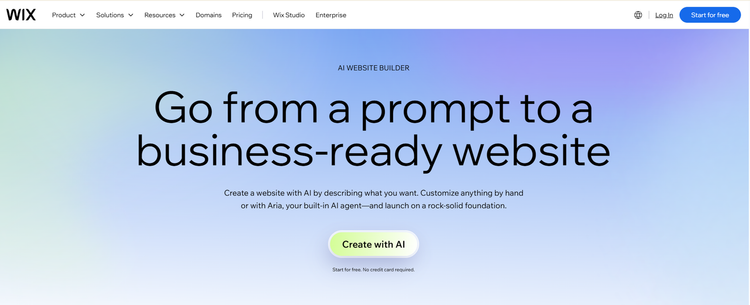
Wix generates a complete website from a prompt, but the reason it stands out is everything you get after the first draft. Your blog, online store, bookings, forms and marketing tools all run inside the same platform, so you are less reliant on third-party tools as the website grows.
The AI handles most of the initial setup through Aria and Harmony. From there, you keep editing with prompts or switch to the drag-and-drop editor for finer control.
Pros
- Wix’s AI tools change layouts and sections, not just the copy
- Strong drag-and-drop editing after AI generation
- eCommerce, bookings, blogging and forms are built into the platform
- Built-in marketing and SEO tools, including meta tags and alt text
- Large app ecosystem for adding functionality later
Cons
- The Light plan has no payments or eCommerce. Those start at Core
- Moving away from Wix takes more work than moving a WordPress site
- You can edit page slugs and rename URL prefixes, but not remove them or change the site-wide structure
Best for: Entrepreneurs and small to medium businesses that want AI to speed up the build without giving up the features needed to run a growing website.
Pricing: Free plan available. From US$17/month for Light, billed annually. Wix does not publish AUD pricing; the final price shows at checkout.
Review scores: G2 4.2/5 (1,888) · Capterra 4.4/5 (10,783)
2. Framer AI: Best for Design
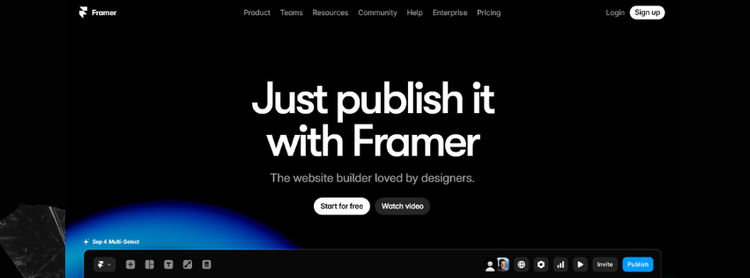
Framer is a design tool that added AI, not an AI tool that added design, and the output shows it. The layouts it generates are the best on this list, and the design quality holds up once you start editing rather than falling apart.
The difference is the creative control after generation. Most AI builders hand you what they decided to make, so your options are accept it or start again. Framer gives you precise control over layout, typography, responsive behaviour and interactions, with a real CMS behind it.
Pros

Slow website wasting your marketing spend?
- Uncover performance issues
- Identify SEO opportunities
- Security gaps, and quick wins
- Best design quality of any builder on this list
- Full control over responsive design, components and interactions after generation
- Monthly AI credits that refresh, rather than a one-off allowance
- Built-in CMS, analytics and SEO tools
- Free plan with 500 credits to try before paying
Cons
- eCommerce is far less complete than Shopify or Wix and usually relies on integrations
- More design freedom means the steepest learning curve on this list
- Basic caps you at 30 pages and 2 CMS collections
Best for: Designers, marketers and agencies building brand and campaign websites where creative control matters.
Pricing: Free with Framer branding. From US$10/month for Basic, billed yearly in USD.
Review scores: G2 4.5/5 (145) · Capterra 4.3/5 (32)
3. 10Web: Best for WordPress
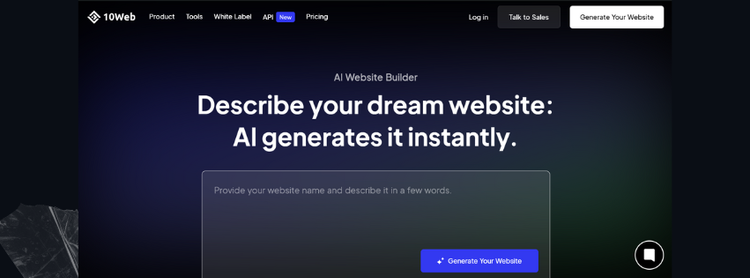
10Web solves a different problem from the rest of this list. It uses AI to speed up the build while keeping WordPress underneath, so your plugins work, WooCommerce handles eCommerce features, any WordPress developer can pick the site up, and you can move it off 10Web later without rebuilding.
It also has agents that clone an existing site from a URL, redesign an outdated page, or convert a Figma file, which makes it the strongest option here if you are migrating off a closed platform.
Pros
- A real WordPress site underneath, so nothing is locked away
- Full WordPress CMS and plugin support
- Clone, redesign and Figma agents on every plan
- Managed hosting, backups, staging and performance tools included
- Agency plans cover multiple sites and white-labelled client management
Cons
- Runs on a dedicated 10Web theme, so an existing theme will not transfer
- WordPress still has more moving parts than a closed platform like Wix
- 100 AI credits a month on Starter, one per prompt
Best for: Businesses and agencies that want AI-assisted builds without giving up WordPress or the option to customise later.
Pricing: Free to start. From US$10/month for AI Starter, billed annually in USD. 30-day money-back guarantee.
Review scores: G2 4.6/5 (169) · Capterra 3.8/5 (44)
4. Hostinger AI Builder: Best Value
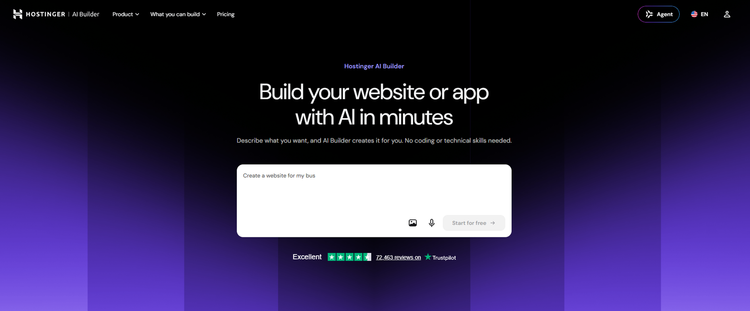
Hostinger combines its AI website builder with hosting, a domain and business email, keeping the overall entry cost low. You can build with prompts or use the traditional drag-and-drop editor, depending on how much control you want over the final result.
The main compromise is AI usage. Website and app generation is credit-based, and the lower plans give you a fairly limited allowance compared with platforms that refresh larger credit pools each month.
Pros
- One of the lowest entry costs on this list
- Hosting, custom domain and mailboxes included, not extras
- 0% transaction fees on eCommerce
- Both AI-led and manual building in one product
- 14-day free trial and a 30-day money-back guarantee
Cons
- AI credits are a one-off gift, 5 on Premium and 15 on Unlimited, not monthly
- You cannot switch an existing project between Manual and Agentic mode. You have to start again
- Less design control than Framer or Webflow
Best for: Sole traders and small businesses that want an affordable way to build and host a professional website without managing separate services.
Pricing: From A$4.39/month on Premium, on a 48-month term, renewing at A$15.89. Unlimited renews at A$24.59 and Cloud Startup at A$37.59. Excludes GST.
Review scores: G2 4.4/5 (832) · Capterra 4.5/5 (656)
5. GoDaddy Airo AI Builder: Best for Full-Stack Builds
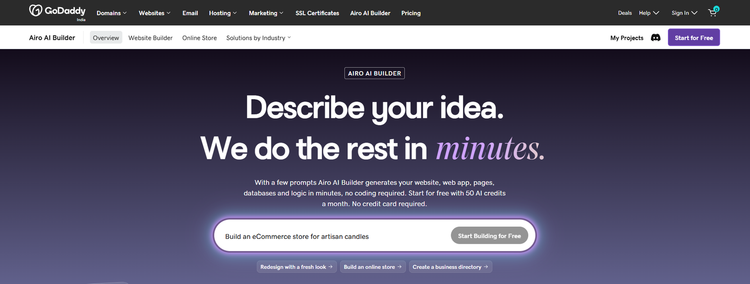
GoDaddy Airo AI Builder goes beyond generating pages and copy. It can create databases, backend logic and other functionality from a prompt, then lets you continue editing the project or download the code.
That makes it more suitable than a traditional website builder when you need features such as customer portals, bookings or custom workflows alongside the public-facing site.
Pros
- Generates working databases and logic, not just pages
- Code is downloadable and yours
- Free tier with 50 AI credits a month and no card required
- Editing text and images does not consume credits
- Prices in AUD, with local support
Cons
- Credits expire at the end of each billing cycle and do not roll over
- Starter publishes one site. The free tier publishes none
- The annual rate is a first-year price and GoDaddy does not publish the renewal
Best for: Small businesses that want bookings, a customer portal or other custom functionality without running separate platforms.
Pricing: Free with 50 AI credits a month. From A$14.95/month billed annually, or A$32.95 monthly. The annual rate is a first-year rate and the renewal is not published.
Review scores: G2 4.1/5 (182) · Capterra 4.2/5 (1,380). These cover GoDaddy Website Builder overall, not Airo AI Builder specifically.
6. Squarespace Blueprint AI: Best for Creatives
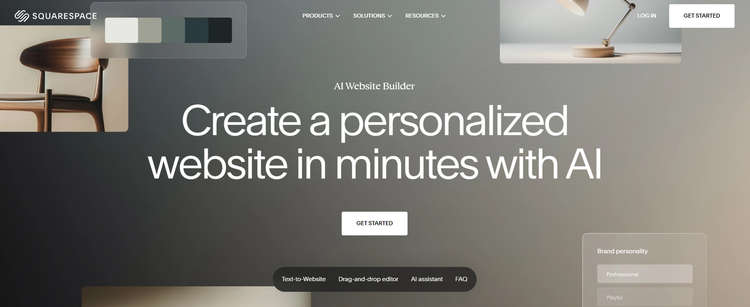
Blueprint AI produces a real multi-page starting point from a prompt, with pages, copy, imagery, colours and fonts, then drops you into the standard Squarespace editor. Design Intelligence handles styling and Image Studio generates visuals from there.
The templates still do more of the work than the AI does, which is not a criticism. Squarespace output looks better than anything here except Framer, and needs less intervention to get there.
Pros
- Genuine multi-page generation, not just a landing page
- Best template quality outside Framer
- Fluid Engine gives full drag-and-drop control after generation
- AI Visibility tool tests how your site answers prompts in ChatGPT and Gemini
- No transaction fee on online store sales from Core up
Cons
- No free plan, only a 14-day trial
- Blueprint AI is desktop only
- Basic charges 2% on store sales and 7% on digital content
Best for: Creatives, consultants and service businesses that want a polished site without making design decisions.
Pricing: No free plan, 14-day trial. From US$12/month billed annually, or US$19 monthly. No AUD pricing.
Review scores: G2 4.4/5 (1,137) · Capterra 4.6/5 (3,419)
7. Shopify: Best for eCommerce
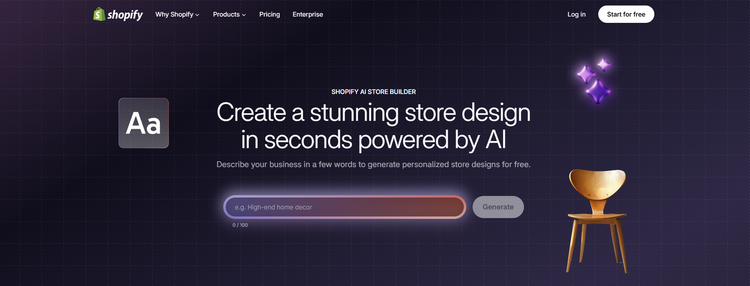
Shopify can generate the initial store design with AI, but that is not the main reason to choose it. The real advantage is the commerce platform underneath: products, payments, inventory, checkout, shipping and orders are all native to the system.
Shopify Magic helps with product copy and images, while Sidekick works with your store data and handles admin tasks. The AI speeds up the setup, but the eCommerce engine is what makes Shopify stand out.
Pros
- Prices in AUD, unlike most of this list
- Products, payments, inventory and orders are core, not add-ons
- 1.7% + 30c on standard cards through Shopify Payments on Basic
- Sidekick works with your store data and completes admin tasks
- Largest app ecosystem in eCommerce
Cons
- 2% extra if you use a payment provider other than Shopify Payments
- App costs stack up quickly
- Theme changes beyond the basics need Liquid or a developer
Best for: Anyone whose website exists to sell products.
Pricing: From A$42/month billed yearly, or A$56 monthly. A 3-day trial, then A$1/month for three months before the full rate.
Review scores: G2 4.4/5 (5,143) · Capterra 4.5/5 (6,716)
8. Durable: Best for Getting Live Quickly
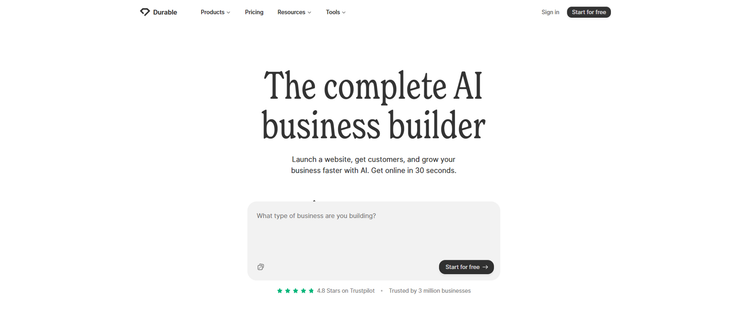
Durable’s entire product is speed. Answer a short questionnaire and the site exists. The company claims 30 seconds. Tooltester timed it at 47, which is still faster than anything else here.
What you get is a working service-business site with a CRM, bookings, an AI chat widget and a blog writer attached. Everything a sole trader needs to start taking enquiries the same day.
Pros
- Fastest generation on this list by a distance
- Unlimited AI-generated pages on every tier, including free
- CRM, lead management and bookings built in
- Real free plan with unlimited traffic and SSL
- Built-in SEO, structured data and sitemap tools
Cons
- Very little HTML or design control, by design
- Not built for eCommerce, and Durable says so itself
- The free tier is a private preview, so no public custom domain
- Image generation caps at 5 a month on free and 50 on Launch
Best for: Sole traders and service businesses that need something live today and will not be redesigning it.
Pricing: Free plan available. From $22/month billed yearly, or $25 monthly. Durable does not state a currency.
Review scores: G2 4.5/5, but from only 2 reviews, so treat that as indicative at best.
9. Webflow AI: Best for Design Teams
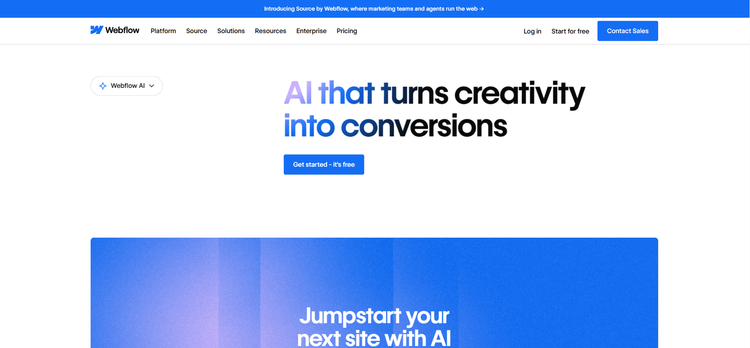
It is easy to assume Webflow is AI-assistant-only. It is not. There is a real AI site builder that turns a prompt into a production-ready site with a scalable design system, alongside AI for copy, CMS items and React code components.
Webflow charges for a Site plan and a Workspace plan separately. Code export and the larger AI credit allowances sit on the Workspace side, so check both before you budget.
Pros
- Real prompt-to-site generation, not just an assistant
- The most powerful design and CMS control of any mainstream builder
- AI credits refresh monthly, with a 2,000-credit add-on at US$20/month
- Code export available, so nothing is permanently locked in
Cons
- Two separate subscriptions. A Site plan does not include a Workspace plan
- Code export needs a paid Workspace plan from US$19/month on top of your site
- No free domain. You bring or buy your own
- Several AI features, including Design sections and Get help, are still in beta
Best for: Design teams and agencies who want AI to do the first draft and then need real control over everything after it.
Pricing: Two subscriptions. Site plans from US$15/month billed yearly, Workspace plans from US$19/month, which is where code export sits. USD, plus tax.
Review scores: G2 4.4/5 (975) · Capterra 4.5/5 (266)
10. base44: Best for Sites That Need a Backend
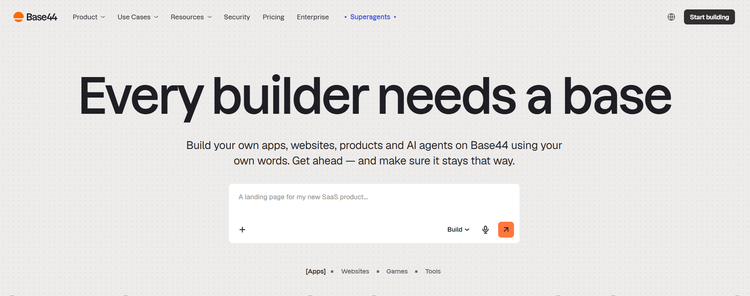
base44 was acquired by Wix in 2025 and does something most of this list cannot. Describe what you need and it builds the frontend, backend, database, user authentication and payments together. Pages, copy and images are included, and the images are generated rather than stock.
The strongest thing about it is the exit. Two-way GitHub sync pushes the full source code to your own repository, so nothing is trapped on the platform.
Pros
- Builds working backends, databases and logins, not just marketing pages
- Two-way GitHub sync gives you the full source code
- Genuine free plan with 25 message credits a month and no card required
- Monthly recurring credits on every tier
- Free domain for a year from the Builder plan up
Cons
- GitHub sync starts at Builder, US$40/month. Starter only gets in-app code edits
- Credit consumption is variable and undisclosed, so you cannot forecast spend
- The free domain and referral perks appear on annual billing only
- No AUD pricing and no currency code shown anywhere on the page
Best for: Businesses that need a customer portal, bookings or a member area rather than a brochure site.
Pricing: Free plan with 25 message credits a month. From $16/month billed annually, or $20 monthly. Currency not stated.
Review scores: G2 has one review. Capterra has a listing with no confirmed score. Treat both as no data.
11. Lovable: Best for Speed to a Working Product
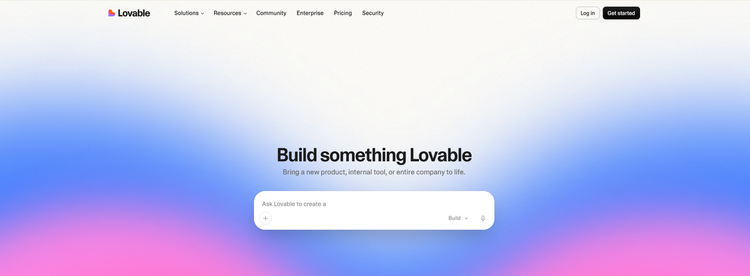
Lovable builds websites and web apps from a chat. Frontend, backend, auth and hosting, all from plain language, with conversational editing after the first build. You own the code and the output.
Credits power both the build and the AI features inside the app you ship. A typical prompt costs between 0.5 and 1.7 credits, so 100 credits a month is roughly 60 to 200 prompts.
Pros
- Builds a working app from a single prompt, not just a page
- Unlimited users on every plan. Priced by credits, not seats
- Genuine free plan with 5 build credits a day
- You own the code and the customer data
Cons
- Credits expire. Monthly credits die after two months, annual credits one month after the period ends, and none are refundable
- Pro and Business both advertise 100 monthly credits, but a Business credit is worth more. The numbers are not comparable
- The Lovable badge stays on your site until you upgrade to Pro
Best for: Founders and teams who need a working product in front of people this week.
Pricing: Free plan with 5 build credits a day. From $21/month billed annually, or $25 monthly. Currency not stated.
Review scores: G2 4.6/5 (273) · Capterra 4.5/5, but from only 6 reviews.
AI Website Builders That Didn’t Make Our Top 11
We reviewed more AI website builders than the 11 that made our final list. A few were still worth considering, but each was edged out by a stronger option for the same use case.
- Elementor AI and Divi AI: AI layouts, copy and images inside WordPress. Useful if you already run one, but not a way to build a site from nothing.
- Dorik: a genuine AI website builder with a CMS and built-in SEO tools, but less design control than Framer and fewer business features than Wix.
- Jimdo: fine for simple local business sites. The AI does less than Wix or Hostinger at the same price.
- ZipWP: builds WordPress sites from a prompt and deserves more attention than it gets. 10Web does the same job with a longer track record.
- Replit, Bolt.new and v0: genuinely good, but built for web apps rather than business websites.
- Webstudio: open, interesting, small user base.
What to Look for in an AI Website Builder
You have now seen how the 11 builders compare. If two or three are still on your shortlist, use these six checks to decide which one will work best beyond the first draft, from editing control and business features to SEO, long-term cost and portability.
1. Quality of the First Draft
Generation speed is easy to advertise but less useful than the quality of what you get. The better builders create sensible page structures, relevant sections and copy you can work with, while weaker tools simply drop your prompt into a generic template.
Treat the first version as a good starting point, not a finished professional site.
2. Editing Control
That first draft will need changes, which makes the editor just as important as the AI generator. Check whether you can move sections, change the site’s layout and adjust responsive views, or whether you are mostly limited to swapping text and images.
The stronger builders give you both prompt-based editing and manual control. Also check the mobile layout, heading structure, colour contrast and whether images can be given meaningful alt text.
3. Business Features
Start with what your website actually needs to do. That might include forms, bookings, eCommerce, blogging, memberships or customer portals.
Built-in features are usually easier to manage than stitching together several third-party tools later, especially as the site becomes more complex.
4. SEO Control
Titles, meta descriptions, URLs, headings, alt text and redirects should all be editable. AI can generate the first version, but you still need control over the final structure and content.
Pay particular attention to URL settings, because changing them after launch can create unnecessary SEO work.
5. Pricing, Credits and Contract Terms
Paid plans can look inexpensive until you factor in renewals, contract length, AI credits and currency conversion.
Compare the plan you will realistically need, check whether the price is in AUD or USD, and find out whether AI credits refresh or are a one-off allowance. A free AI website builder can be useful for testing, but the limits matter.
6. Ownership and Exit
Check what happens if you want to leave before you start building. Some platforms let you export code, files or content, while others keep the site tied closely to their own system.
That difference may not matter at launch, but it becomes important if your requirements change or you outgrow the platform.
Final Thoughts
By now, you should have a clear shortlist. Wix if you want the best all-rounder. Framer if design comes first. 10Web if you want WordPress underneath. Shopify if the site exists to sell. Hostinger if keeping costs down matters most.
If two still look close, build the same small site in both. Most have a free plan or trial, and half an hour inside the editor will tell you more than another comparison table.
If you would rather skip the DIY route, WP Creative provides AI website development services across Australia, helping businesses turn these tools into websites that are properly planned, built and ready to grow.
We also provide WordPress design and development, WordPress maintenance, Shopify development and WooCommerce development for businesses that prefer a more traditional website setup.
Best AI Website Builders FAQs
What is an AI website builder?
An AI website builder is an AI-powered website builder that uses prompts and AI-powered features to generate pages, layouts, copy and images for you. Instead of starting from a blank template, you describe your business and the platform creates an AI-generated website that you can refine through prompts, a visual editor or both.
What is the best AI website builder?
The best website builder with AI for most businesses is Wix. Its AI generation is strong, but the bigger advantage is everything around it: eCommerce, bookings, blogging, marketing and SEO tools you can keep using as the site grows.
Other AI website builders worth mentioning are Framer for design, 10Web for WordPress, Hostinger for value and Shopify for eCommerce.
Are AI website builders any good?
AI website builders work well for basic websites and straightforward business sites. What you get is usually a usable first draft rather than a finished website, so expect to review the copy, replace weak images and check any AI-generated text before publishing.
For complex builds, custom integrations or unusual design requirements, professional design or development may still be the better fit.
Are AI website builders better than traditional website builders?
AI website builders are usually faster than traditional website building tools at producing the first draft. They remove much of the repetitive setup, but you still need to edit, maintain and improve the website afterwards.
For complex builds or highly customised functionality, a traditional development workflow can still give you more control.
For a full breakdown, check out Headless CMS vs Traditional CMS.
How much do AI website builders cost in Australia?
AI website builders typically cost between A$15 and A$45 a month in Australia for a business plan, although paid plans begin lower on some platforms. Hostinger, for example, starts from A$4.39 a month on a 48-month term and renews at A$15.89.
Check renewal prices, AI credits and contract length before comparing the real cost.
For more on pricing, read our blog on AI website costs in Australia.
How long does it take to build a website with AI?
It takes seconds to a few minutes to generate a website with AI, but longer to publish one. Durable advertises 30 seconds, but Tooltester timed it at 47. You still need to review the copy, replace weak images, check mobile layouts, configure forms and verify every claim.
What is the best free AI website builder?
Framer and base44 are the best free AI website builders, and neither needs a card. Wix and Durable also offer free tiers, though Durable’s is a private preview, which means the site is not publicly live until you upgrade.
Are AI website builders good for SEO?
AI website builders are good for SEO provided you keep control. Check that titles, meta descriptions, URLs, headings and alt text are all editable. Most builders fill these in automatically, but search engines still need useful, accurate content and a sensible site structure. AI speeds up SEO tasks. It does not replace keyword research, content strategy or technical SEO work.
Can you move an AI-built website to another platform?
You can move an AI-built website with some platforms, but not all. 10Web gives you a WordPress website with SFTP access and backups, while Base44 can sync source code to GitHub.
Other platforms keep the entire website more closely tied to their own system, so check the export and migration options before you start building.
What is the best AI website builder for WordPress?
The best AI website builder for WordPress is 10Web. It generates a real WordPress site rather than a lookalike, so your plugins work, WooCommerce handles the store and any WordPress developer can pick it up. It can also recreate an existing site from a URL if you are migrating.
What is the best AI website builder for eCommerce?
The best AI website builder for eCommerce is Shopify. Payments, inventory and orders are built-in tools rather than extras. Wix is the better pick when a smaller store sits alongside bookings, content and other business features.

Get Your Free Website Audit
($3,000 Value)
- Uncover performance issues
- Identify SEO opportunities
- Security gaps, and quick wins