The 7 Best Headless CMS Platforms in 2026


Get Your Free Website Audit
($3,000 Value)
- Uncover performance issues
- Identify SEO opportunities
- Security gaps, and quick wins
Headless CMS platforms have moved beyond being a developer-focused alternative to traditional content management. Businesses now use them to power websites, apps, eCommerce stores and content across multiple channels, while giving developers more control over the technology behind the experience.
The challenge is choosing a platform that works for both developers and content teams without becoming expensive or difficult to manage as you grow.
We compared the best headless CMS platforms in 2026 across editing, developer experience, content modelling, hosting and pricing to show which ones fit your project, and which are likely to become limiting later.
The Best Headless CMS Compared
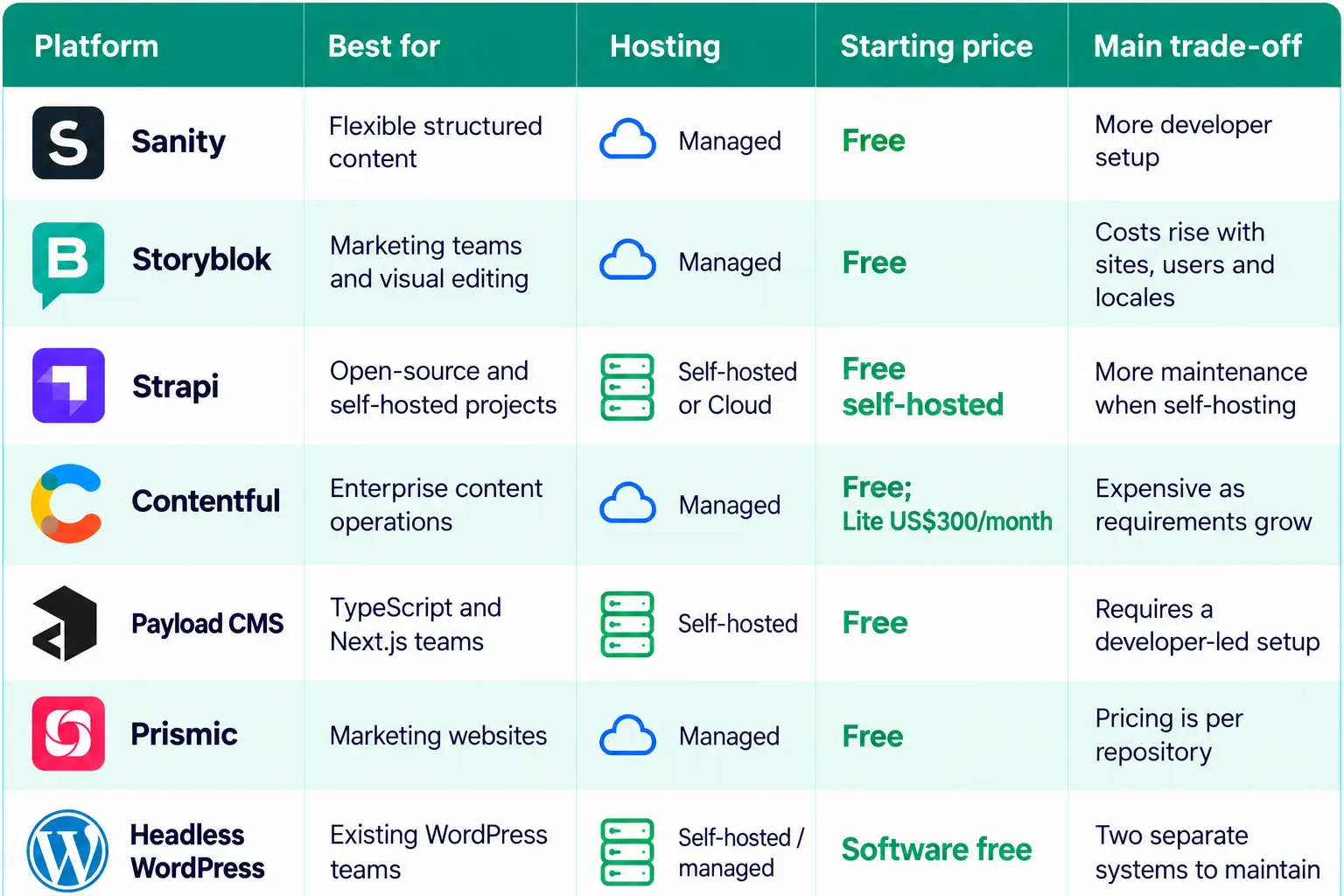
Before the detailed reviews, use this table to see where headless CMS each platform fits best, what it costs to start and the one trade-off to weigh before you commit.
What Makes a Headless CMS the Best: 7 Things to Look For
The best platform is not simply the one with the most headless CMS features. It should work well for editors, give developers enough flexibility, handle the way your content is structured and remain practical as the project grows.
These are the areas we paid most attention to when comparing the platforms in this guide.
1. Editor Experience and Workflows
A headless CMS can be technically excellent and still frustrate the content teams publishing every day. Look at visual editing, previews, scheduling, approvals, roles and how much developer help editors need for routine changes.
Ask: Can your marketing team create, review and publish content without constantly involving developers?
2. Developer Experience and Flexibility
Developers need clean APIs, useful SDKs, good documentation and freedom to work with the frontend stack they prefer. The CMS should also connect cleanly with commerce, CRM, search and other tools, while newer capabilities such as MCP can matter if AI-assisted workflows are part of the roadmap.
Ask: How much custom development will the CMS require before it fits your stack and workflow?
3. Content Modelling and Reuse
Good headless platforms make it easy to structure content around the business rather than around individual pages. Products, authors, locations and campaigns should be reusable across your website, mobile apps and other channels without awkward workarounds.
Ask: Can the CMS model your real content relationships and reuse them across multiple channels?
4. SEO and Performance
A headless CMS will not handle SEO for you, but it should give your team enough control to manage it properly. Editors should be able to update metadata, URLs and redirects without developer help, while reliable content and image delivery supports a fast frontend.
Ask: Can editors update SEO fields and redirects without a developer, and how quickly does the platform deliver content and images?
5. Hosting, Security and Data Control
Some businesses want a managed SaaS platform, while others need to control hosting, infrastructure or where data is stored. The right option depends on your security requirements, internal resources and how much operational responsibility your team wants to take on.
Ask: Do you want the vendor to manage the platform, or do you need more control over hosting and whether data stays in Australia?
6. Pricing as You Grow
The cheapest starting plan can become expensive once you add editors, locales, sites, environments or more API traffic. Look beyond the headline price, check which features sit on higher tiers and work out what the CMS would cost at the size you expect to reach.
Ask: Which limits or paid add-ons are you likely to hit in the next 12 to 24 months?
7. Portability and Long-Term Fit
Changing CMS later can mean moving years of content, rebuilding integrations and retraining editors. Check how easily you can export content and assets, how dependent the setup becomes on proprietary features, and whether the vendor or open-source project has enough support behind it.
Ask: If your requirements change, how difficult would it be to move your content and frontend elsewhere?

Slow website wasting your marketing spend?
- Uncover performance issues
- Identify SEO opportunities
- Security gaps, and quick wins
The Best Headless CMS Platforms in 2026
Each platform below solves a slightly different problem. Some give developers more control over the stack, while others make life easier for marketers and content teams.
We have focused on the differences that affect a real project: how content is managed, what developers need to maintain, what it costs as usage grows, and where each CMS starts to become limiting.
1. Sanity: Best for Flexible Structured Content
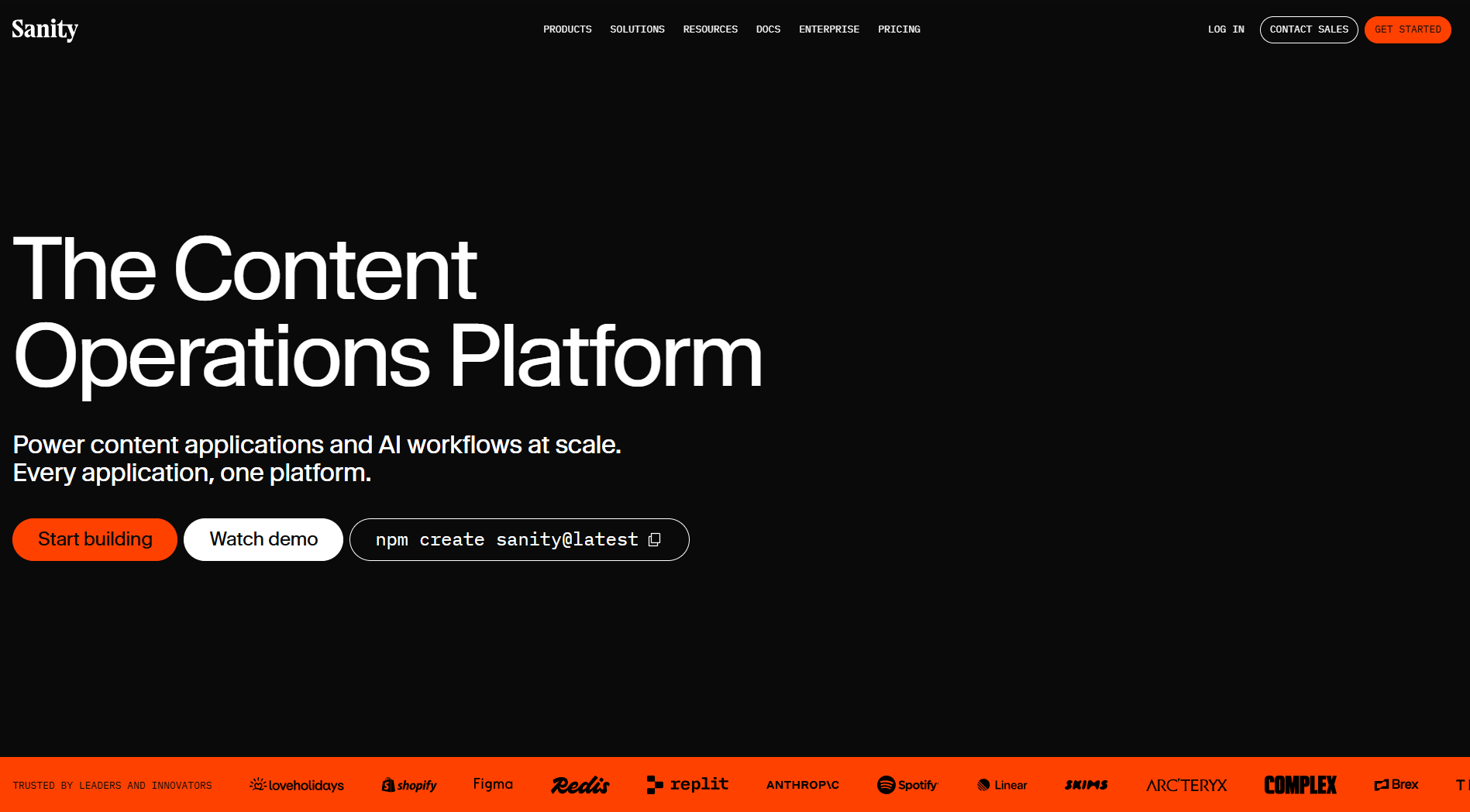
Sanity is a headless CMS that treats content as structured data rather than tying it to individual pages. A product, article, case study or other content type can be created once, connected to related content and reused across websites, apps and other channels.
Because the content model is defined in code, developers can shape Sanity Studio around the way editors actually work instead of adapting their process to a fixed CMS.
The same flexibility makes it suitable for more complex content operations, and the platform is used by brands including Figma, Shopify, SKIMS, Expedia and Puma.
Pros
- One entry can power your website, app and emails
- Real-time collaboration for multiple editors
- Visual Editing and live preview included on every plan
- Content models tracked in version control
- Unlimited content types and locales, even on the free plan
- Content Agent and MCP server let AI agents work with your content
Cons
- Setup needs experienced frontend developers
- GROQ adds another platform-specific query language to learn
- Visual Editing is not a turnkey website builder, so developers still define the frontend and editing structure
- Free plan only includes Administrator and Viewer roles
- Per-seat pricing and paid add-ons add up as you grow
Pricing
| Plan | Price |
| Free | US$0 |
| Growth | US$15/seat/month |
| Enterprise | Custom |
G2 rating: 4.7/5 (926 reviews)
Best for: Teams with developers on hand that need complex content models, custom editorial workflows and content reused across multiple channels, especially in eCommerce, media and SaaS.
2. Storyblok: Best for Marketing Teams and Visual Editing
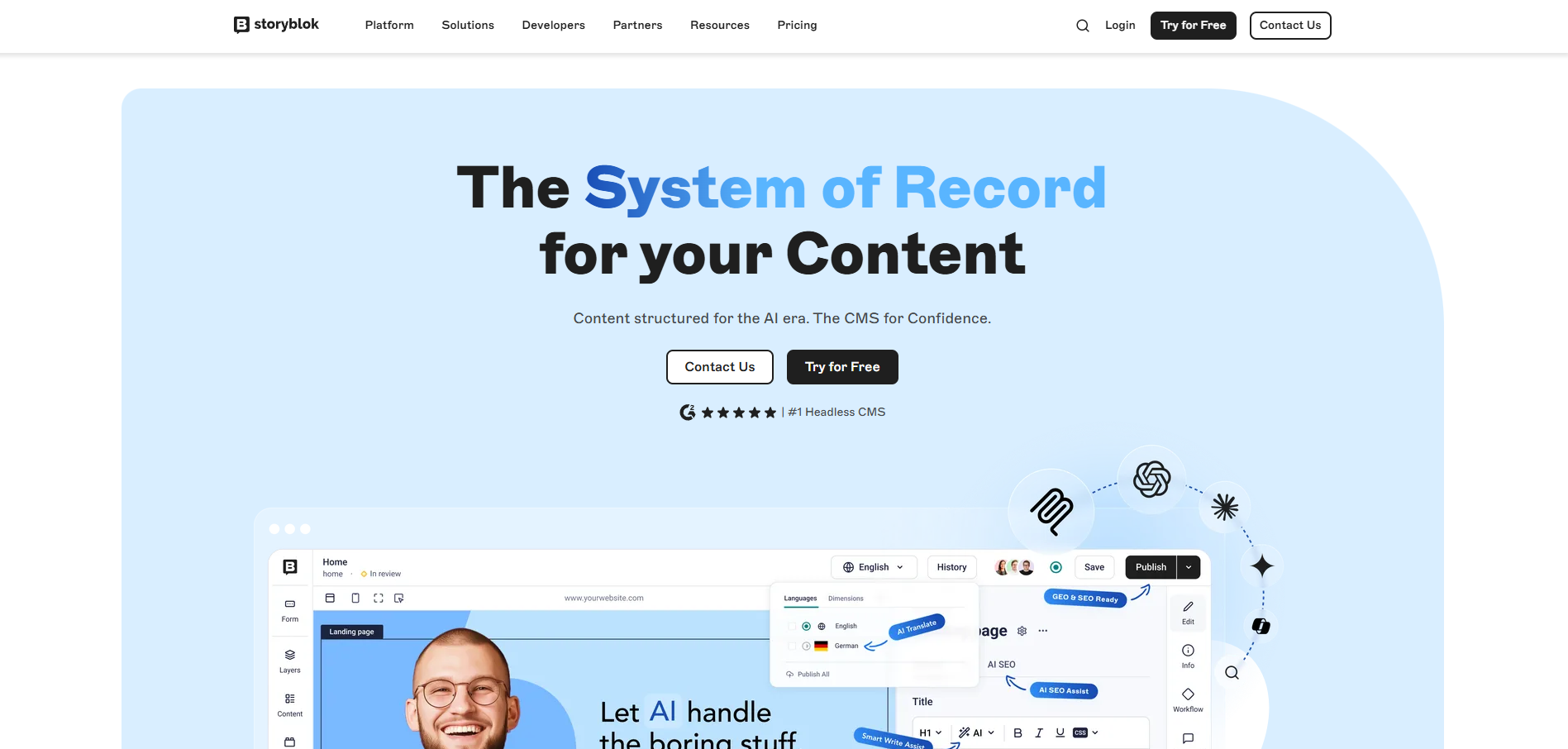
Storyblok is a component-based headless CMS built for marketing teams. Developers create a library of reusable blocks, and marketers use those blocks to build pages and campaigns.
The Visual Editor is the main difference. Editors click a section in the live page preview and edit it in place, so marketers can handle routine page changes without waiting on a developer.
For marketing sites that change often, this gives editors more day-to-day control while developers still decide how the components and frontend work. Adidas, Netflix, Oatly and Disney are among the brands using Storyblok.
Pros
- Visual Editor lets marketers publish routine updates without developers
- Reusable components keep landing pages on-brand
- Developers keep full freedom over the frontend framework
- AI credits included on every plan, even the free Starter plan
- SEO meta tags, story scheduling and Storyblok Agents on Growth
- Official guides for Next.js, Nuxt, React, Vue and Astro
Cons
- Priced per space, so each site needs its own plan
- Growth includes only 2 locales, with extra locales at US$20 each
- Custom workflows, custom roles and GraphQL only on Premium
- Component model can feel limiting for app-style content
- Costs rise with extra seats, traffic and API calls
Pricing
| Plan | Price |
| Starter | Free |
| Growth | US$99/month |
| Growth Plus | US$349/month |
| Premium | Custom |
| Elite | Custom |
G2 rating: 4.5/5 (593 reviews)
Best for: Small to mid-sized marketing teams and content editors running marketing sites, campaign microsites and landing pages that change often.
3. Strapi: Best for Open-Source and Self-Hosted Projects
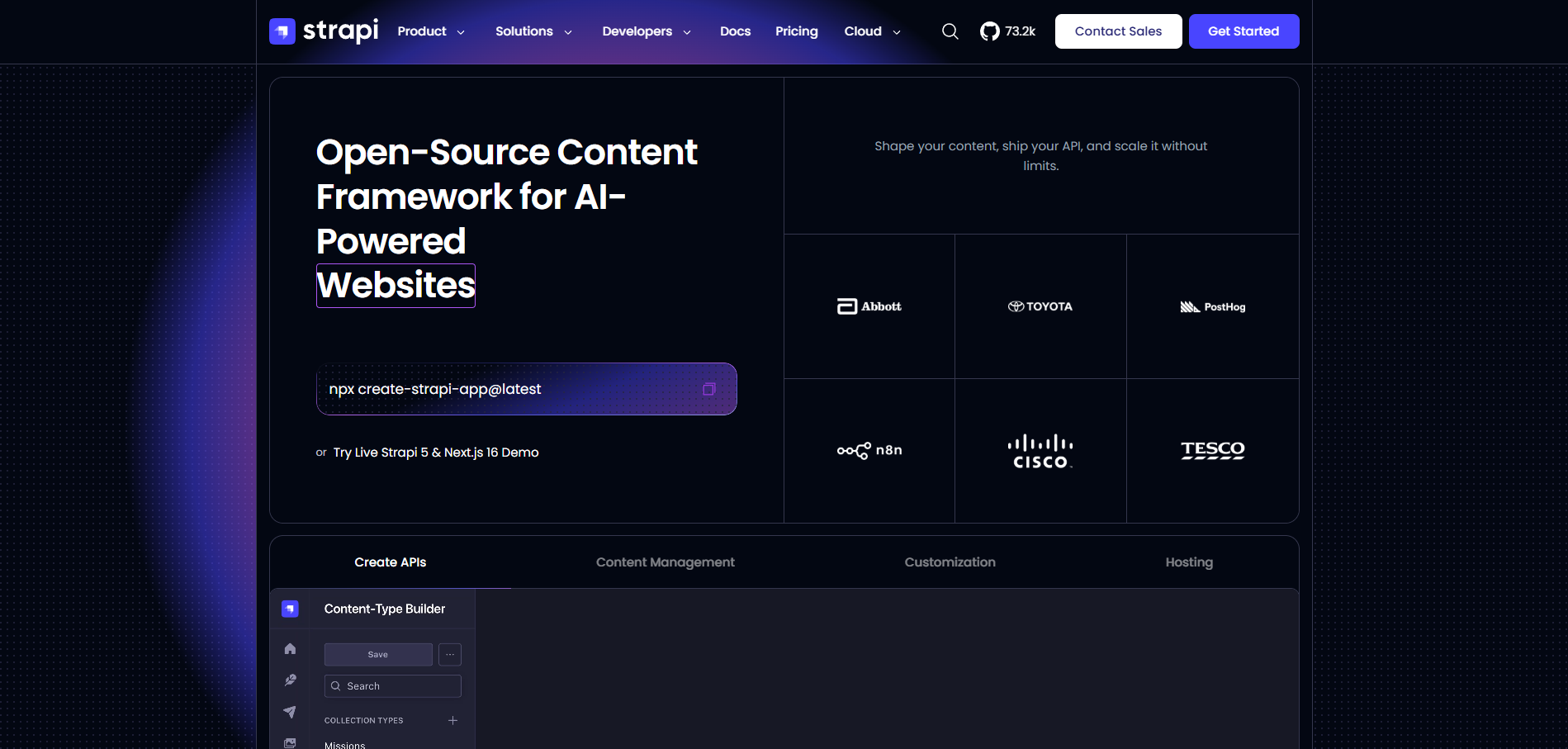
Strapi is an open-source headless CMS built on Node.js. Once developers define the content structure, Strapi generates REST and GraphQL APIs that can serve websites, apps and other digital products.
You can run the Community edition on your own infrastructure if control over hosting, data or deployment matters. Strapi Cloud gives you another option when you want the same CMS without managing the hosting yourself.
Its open-source model has also attracted a large developer following, with more than 73,000 GitHub stars and organisations such as IBM, NASA, Walmart and Toyota using it.
Pros
- Strapi self-hosted is free, with paid tiers when you need more
- Unlimited content types, locales and API calls on the free Community edition
- Visual builder for content types, no code needed
- Backend can be extended with custom controllers, services and plugins
- Large plugin ecosystem and marketplace
- MCP server now generally available for AI agent workflows
Cons
- You handle backups, security patches and scaling when self-hosting
- Major version upgrades can be disruptive
- Editing experience trails hosted platforms
- Live Preview, releases and content history need the paid Growth licence
- Review workflows, audit logs and SSO need Enterprise
Pricing
| Plan | Price |
| Community (self-hosted) | Free |
| Growth licence | US$45/month |
| Enterprise licence | Custom |
| Strapi Cloud Starter | US$35/project/month |
| Strapi Cloud Pro | US$90/project/month |
| Strapi Cloud Business | US$450/project/month |
G2 rating: 4.5/5 (206 reviews)
Best for: Developer-led teams that want to self-host, control their infrastructure or meet specific data residency requirements.
4. Contentful: Best for Enterprise Content Operations
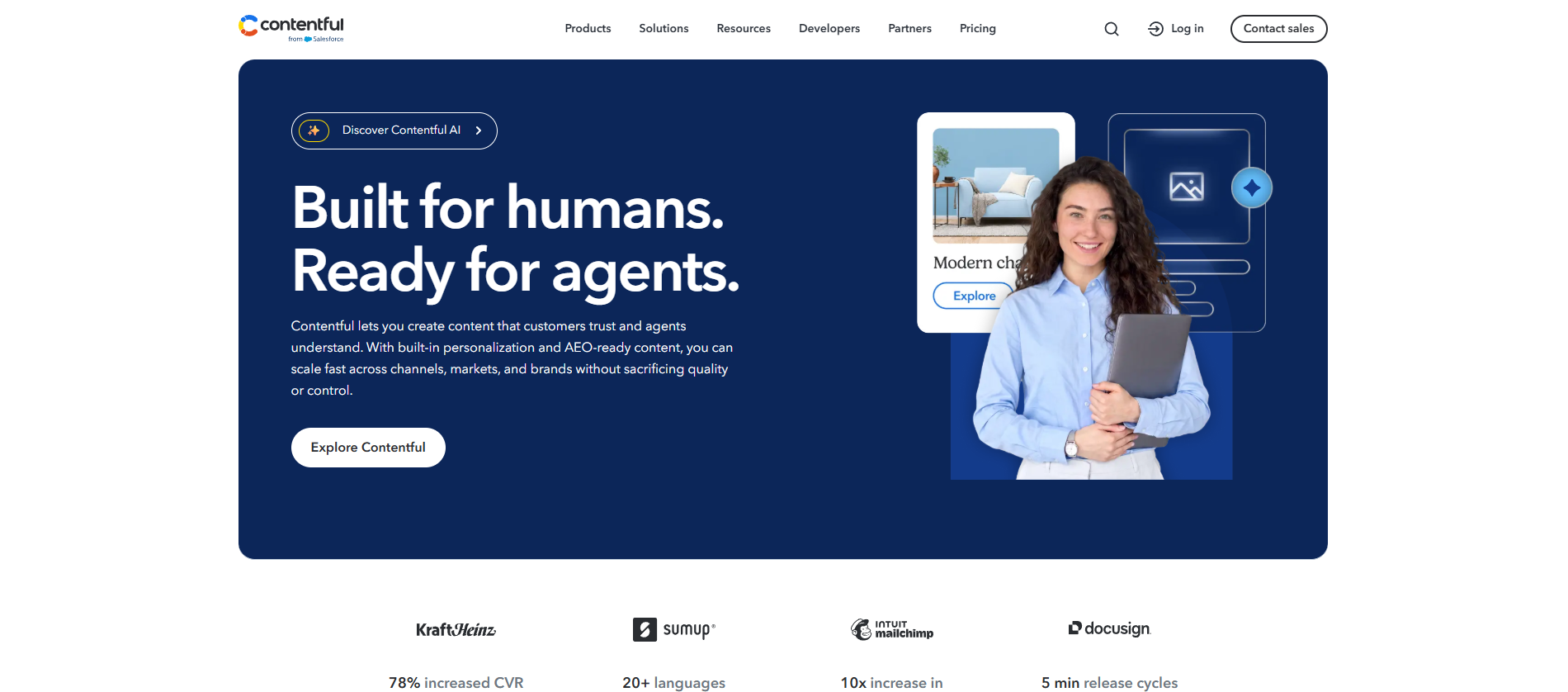
Contentful is an API-first headless CMS for organisations running complex content operations across several sites, brands or markets. Content is modelled once and delivered to websites, apps and other channels, so teams do not need to recreate it.
To manage content at that scale, Enterprise plans add custom roles, SSO, unlimited spaces and up to a 99.99% uptime SLA. Contentful, now part of Salesforce, claims nearly 30% of the Fortune 500 use the platform, with Atlassian, Notion, Mailchimp and AWS among the brands on its site.
Pros
- Runs multiple brands and multiple regions from one platform
- Mature REST APIs, GraphQL and SDKs
- Large app marketplace for other tools
- Scheduling and live collaboration on Lite
- AI Actions for translation and SEO metadata (Enterprise)
- SSO, custom roles and 99.99% uptime on Enterprise
Cons
- No plan between US$300 Lite and Enterprise
- Lite capped at 20 users and 3 locales
- Studio, Personalization and AI Actions are Enterprise add-ons
- Data stored in the US by default, with no Australian region
- Overkill for smaller marketing sites
Pricing
| Plan | Price |
| Free | US$0 |
| Lite | US$300/month |
| Enterprise | Custom |
G2 rating: 4.3/5 (395 reviews)
Best for: Larger organisations delivering content across multiple channels, brands or regions, where governance, localisation and enterprise support matter.
5. Payload CMS: Best for TypeScript and Next.js Teams
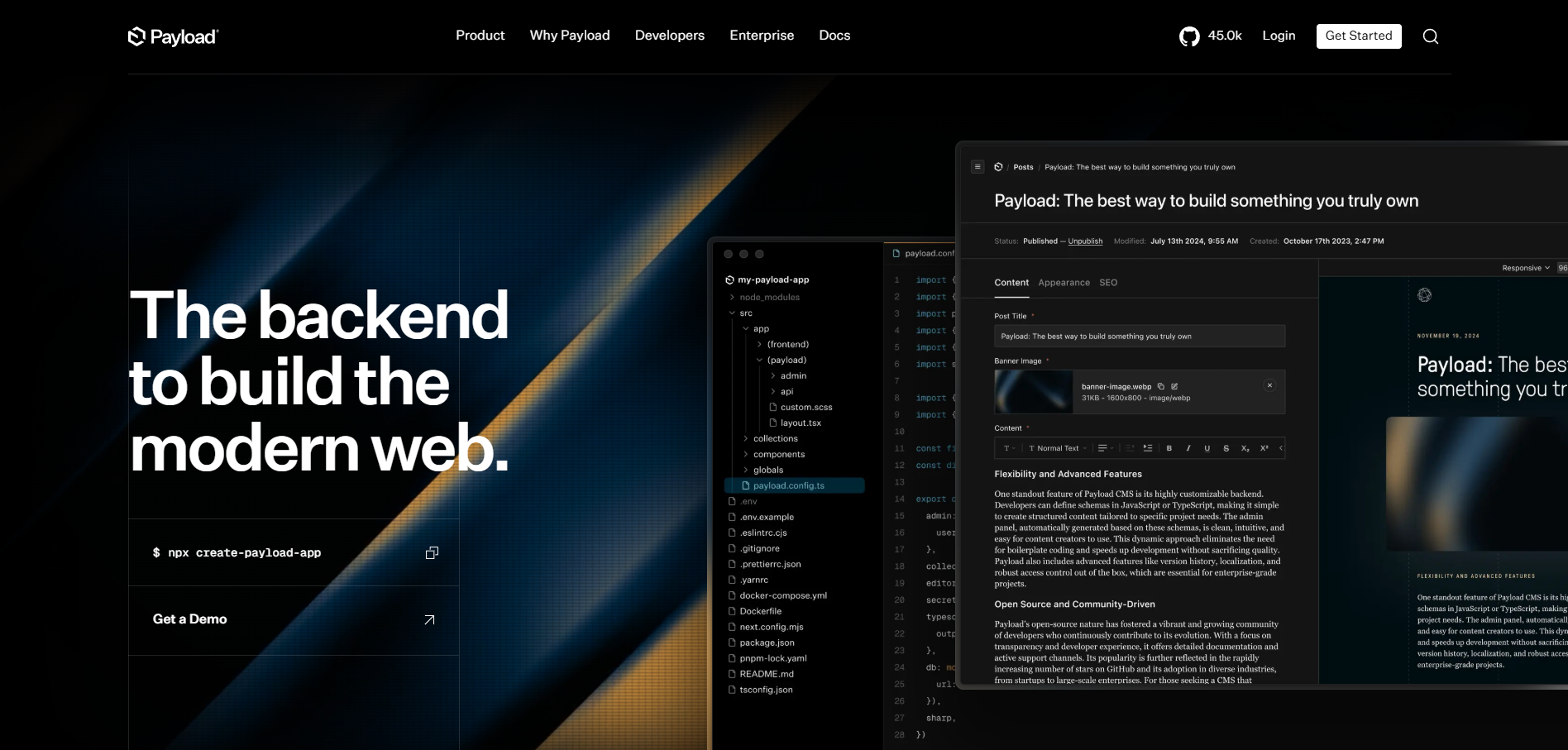
Payload is an open-source, TypeScript-first CMS and app framework that runs inside your Next.js app. The CMS, APIs, authentication and admin panel share one codebase with your frontend, and the open-source core has no licence fee
Because everything lives in code, developers get more control over the whole setup. A single config file generates the admin panel, database migrations and APIs, while teams keep full ownership of the code and infrastructure.
Microsoft, ASICS and Blue Origin feature in its customer stories, and Figma, which bought Payload in 2025, has committed to keeping the project open source.
Pros
- MIT-licensed, with no seat fees
- Local API skips the HTTP round trip
- Automatic TypeScript types for your content
- Built-in auth, drafts and access control
- Works with PostgreSQL, MongoDB and SQLite
- Block-based layouts and Lexical rich text editor
Cons
- New Payload Cloud deployments are paused
- Requires solid TypeScript skills
- You manage hosting, storage and ongoing maintenance
- SSO and Visual Editor are Enterprise only
- Smaller plugin ecosystem than Strapi
Pricing
| Plan | Price |
| Self-hosted (open source) | Free |
| Payload Cloud | New deployments paused |
| Enterprise | Custom |
G2 rating: 4.9/5 (59 reviews)
Best for: Developer-led teams already working with TypeScript and Next.js that want the CMS inside their app, with no licence fees and developer flexibility over the code, database and wider stack.
6. Prismic: Best for Marketing Websites
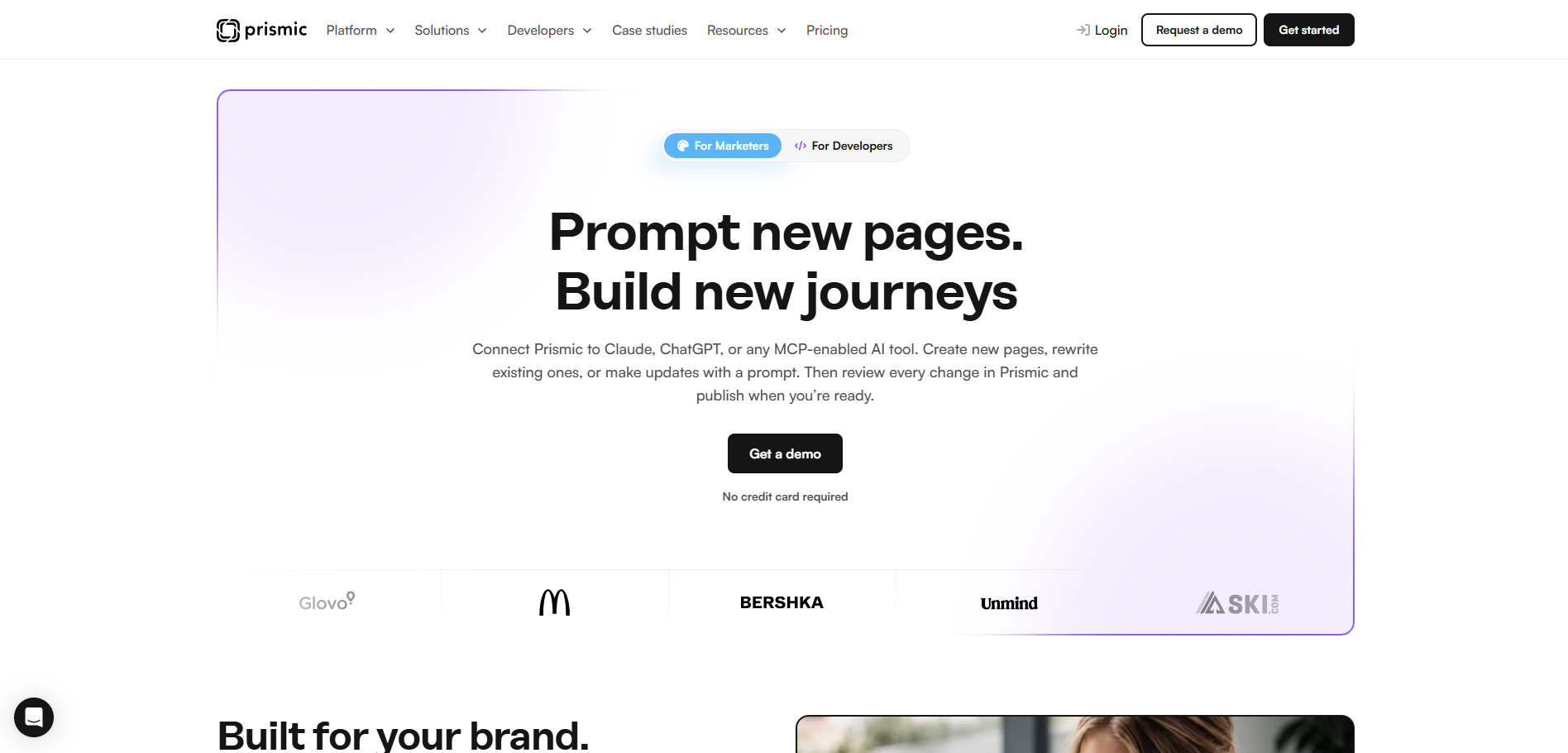
Prismic is a headless CMS built around reusable page sections called Slices. Developers create the Slices and their design rules, while marketers arrange them in the Visual Page Builder to build new pages.
For marketing teams, the benefit is a useful middle ground. Editors can move quickly on campaigns and landing pages, but they are still working within components the development team has already approved.
Prismic has also added MCP support, allowing tools such as ChatGPT and Claude to draft or update content for review. SportsShoes, Evri and UNICEF Aotearoa New Zealand are among the organisations using the platform.
Pros
- Slices keep non-technical editors on-brand
- Live preview, scheduling and releases
- MCP server for AI-drafted pages
- Free plan with unlimited documents and 4M API calls
- Built-in schema support for search
- Automatic TypeScript types for developers
Cons
- New layouts need developer involvement
- Priced per repository
- Free plan limited to one user
- User roles start on Medium
- Built for websites, not app backends
Pricing
| Plan | Price |
| Free | Free |
| Starter | US$10/month |
| Small | US$25/month |
| Medium | US$150/month |
| Platinum | US$675/month |
| Enterprise | Custom |
Prices are per repository, billed annually.
G2 rating: 4.3/5 (361 reviews)
Best for: Marketing teams running corporate websites, campaign sites and landing pages, especially those moving to their first headless CMS, where developers own the component system and editors manage pages day to day.
7. Headless WordPress: Best for Teams Already on WordPress
Headless WordPress keeps WordPress as the content management backend but replaces the traditional theme with a separate frontend built in something like Next.js, Astro or SvelteKit. Editors continue working in WordPress, while headless WordPress developers get more freedom over the frontend.
If your organisation already has years of content, users and publishing workflows in WordPress, keeping the backend can be far less disruptive than moving everything to another CMS. The built-in REST API and WPGraphQL also give developers different ways to deliver that content to a separate frontend.
Pros
- Editors keep the WordPress dashboard they know
- No content migration from an existing WordPress site
- REST API built into WordPress core
- WPGraphQL is free and becoming a canonical plugin
- 60,000+ free plugins for backend features like custom fields
- Host anywhere, including Australia, with no licence fees
Cons
- A separate frontend adds another application to host, secure and maintain
- Many frontend-dependent plugins and page builders do not carry over automatically
- Live preview needs extra setup, such as Faust.js
- Block editor content is harder to render on a custom frontend
- The WordPress backend still needs regular security patches
Pricing
| Plan | Price |
| WordPress core | Free |
| WPGraphQL | Free |
| Managed WordPress hosting | From about US$25/month |
| Frontend hosting | Varies by provider |
| Enterprise (e.g. WordPress VIP) | Custom |
G2 rating: 4.4/5 (WordPress overall)
Best for: Organisations already on WordPress that want more frontend flexibility without retraining editors or migrating content. If you do not need a custom frontend or multiple channels, a well-built traditional WordPress site is usually faster and cheaper.
Other Headless CMS Platforms Worth Considering
Some projects need something more specialised. These five headless CMS solutions did not make our main list, but each one is the right answer for a particular type of team.
1. Contentstack: Best for Global Enterprise Brands
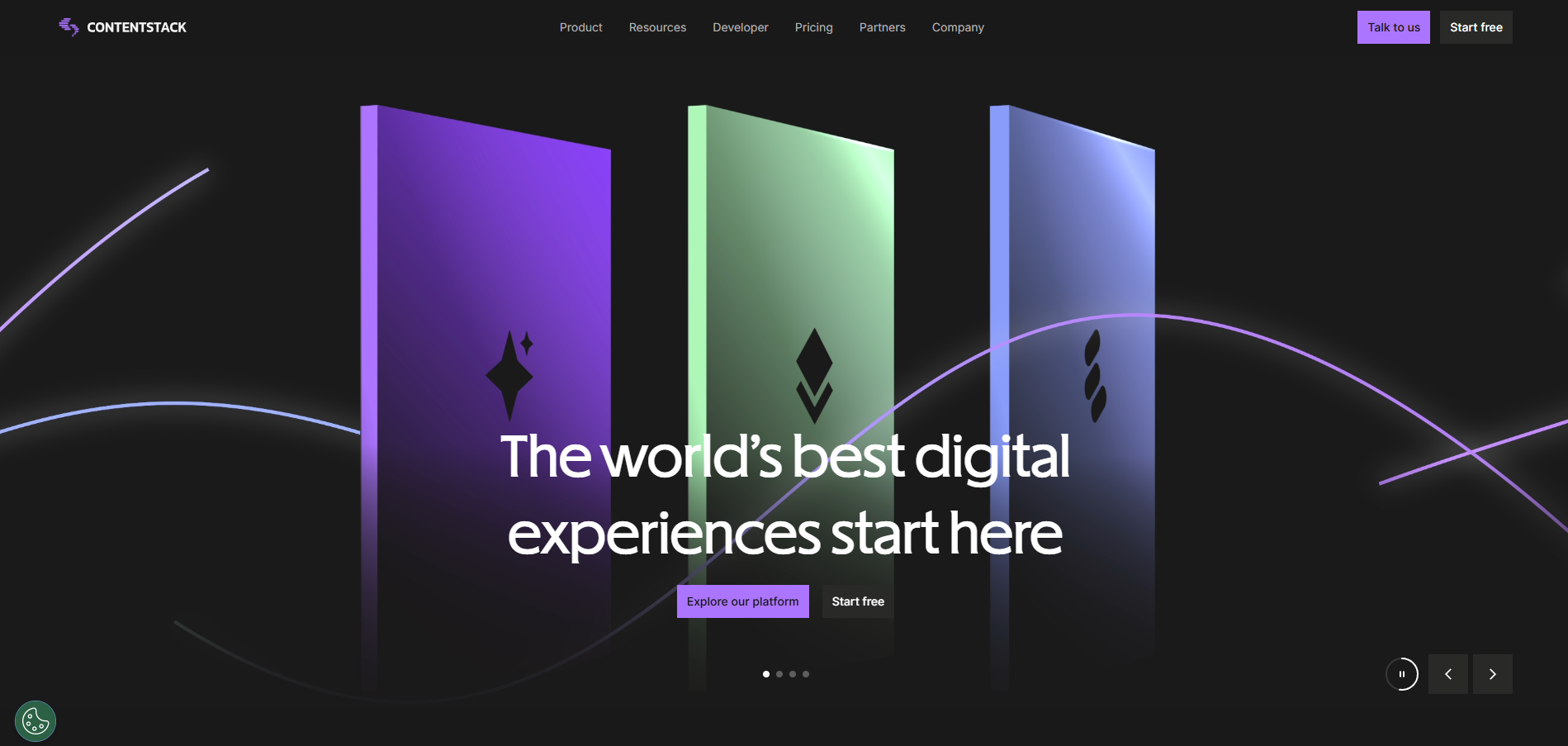
Contentstack is built for organisations managing content across multiple brands, markets and channels. It combines structured content with visual editing, workflows and enterprise governance, giving marketers and developers a shared platform without tying the content to one frontend.
The enterprise focus is also reflected in its market position, with Contentstack recognised as a Leader in recent analyst evaluations.
Starts from: Free. Growth costs US$299/month, and Enterprise is custom.
G2 rating: 4.3/5
2. Directus: Best for Database-First Projects
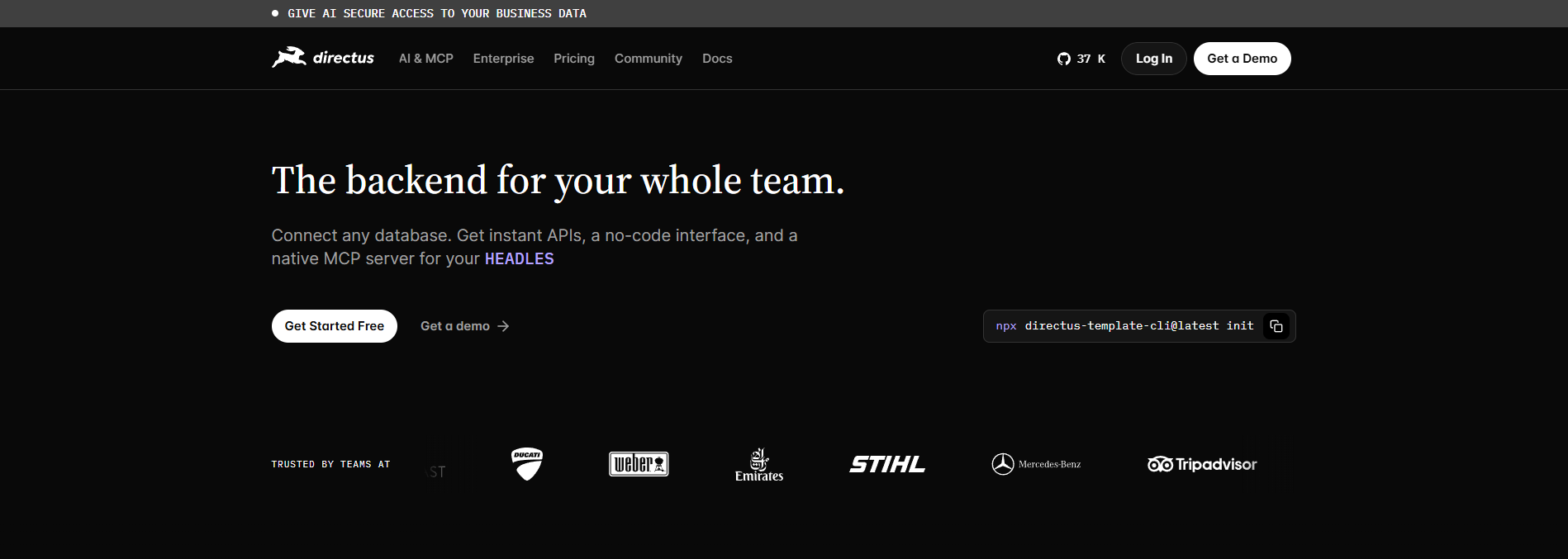
Directus is for projects where the data already exists. It sits on top of an existing SQL database and turns it into an API and admin app, without migrating anything.
Support for PostgreSQL, MySQL, SQLite, OracleDB, CockroachDB, MariaDB and MS-SQL makes it a practical choice for internal tools, product catalogues and apps that mix content with operational data.
Starts from: Free Core plan with seat and collection limits, plus full free access for organisations under US$5 million in revenue with fewer than 50 employees. Team plan US$499/month, with Cloud hosting from US$99/month.
G2 rating: 4.8/5
3. Hygraph: Best for GraphQL Content Federation
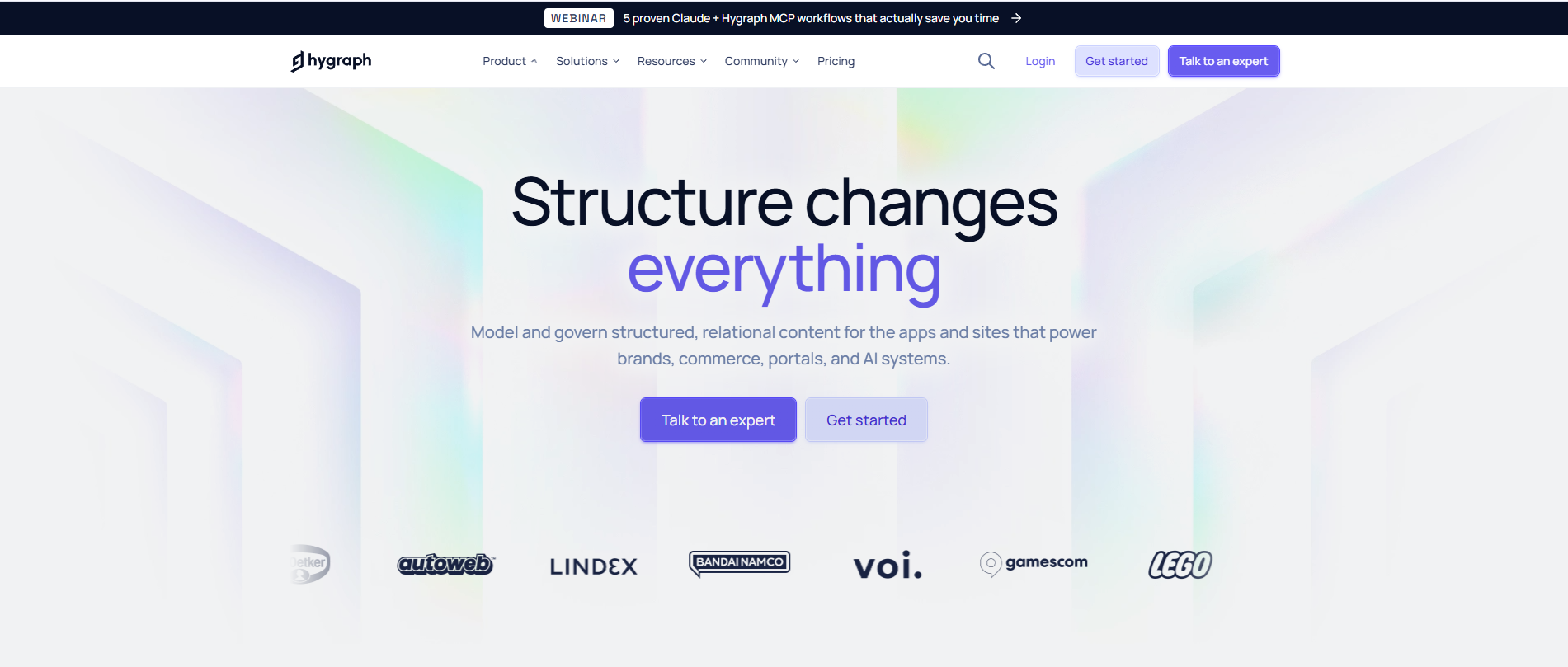
Hygraph solves a specific problem: content scattered across multiple sources. Its content federation connects a PIM, commerce platform or legacy systems to Hygraph, so everything can be queried through a single GraphQL endpoint without moving the data.
If your content already lives in one place, most of that benefit disappears. For organisations stitching several systems together, though, it can replace a lot of custom middleware.
Starts from: Free Hobby plan. Growth US$199/month, after a steep price cut in February 2026
G2 rating: 4.4/5
4. Umbraco: Best for Microsoft .NET Organisations
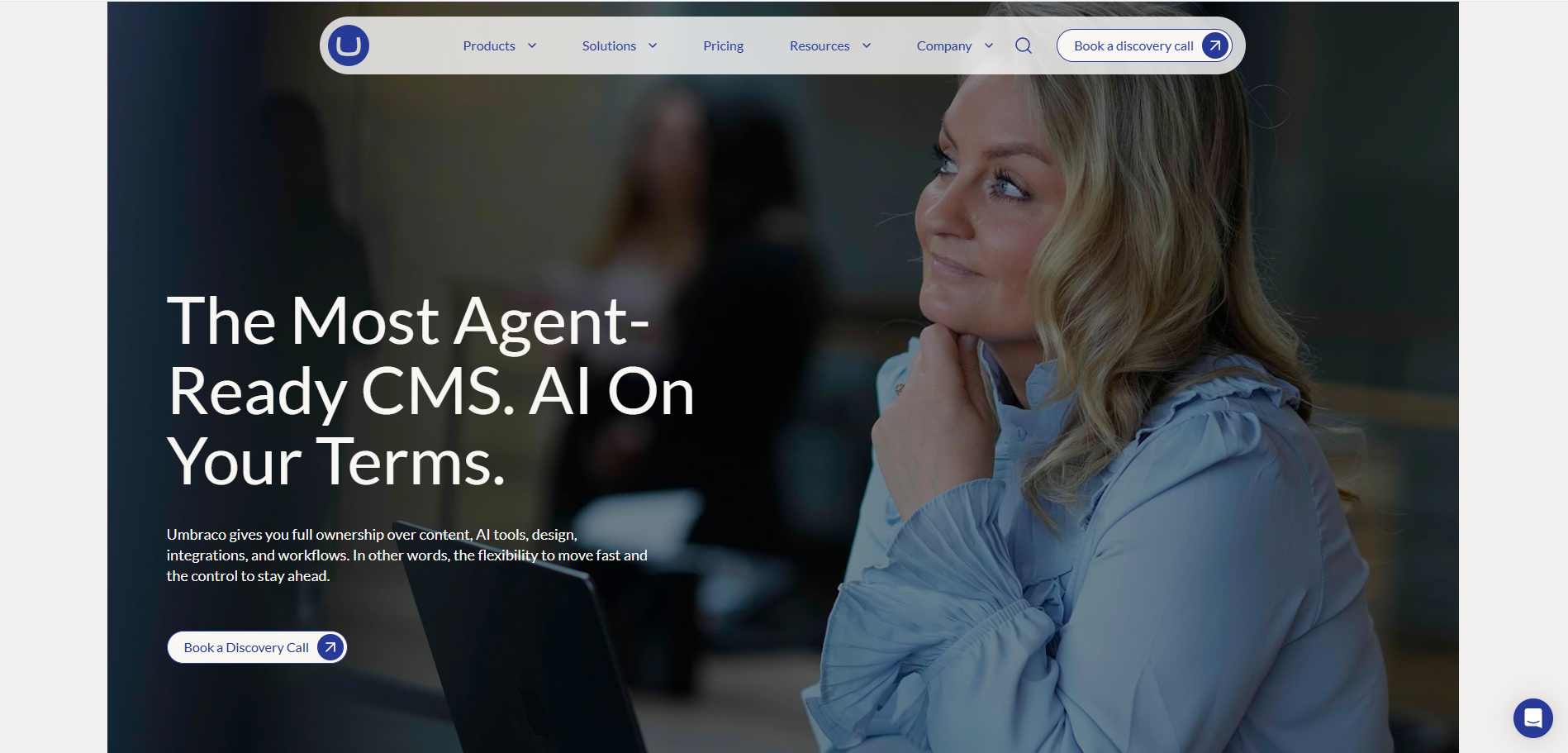
Umbraco makes sense for organisations already invested in Microsoft .NET. It is an open-source CMS that has been around since 2005, and its built-in Content Delivery API handles headless projects without a separate product.
For a fully managed headless setup with GraphQL, Umbraco Heartcore adds managed hosting and headless APIs.
Starts from: CMS free. Umbraco Cloud from about €45/month, Heartcore from about €60/month
G2 rating: 4.5/5
5. Kontent.ai: Best for Governance-Heavy Teams
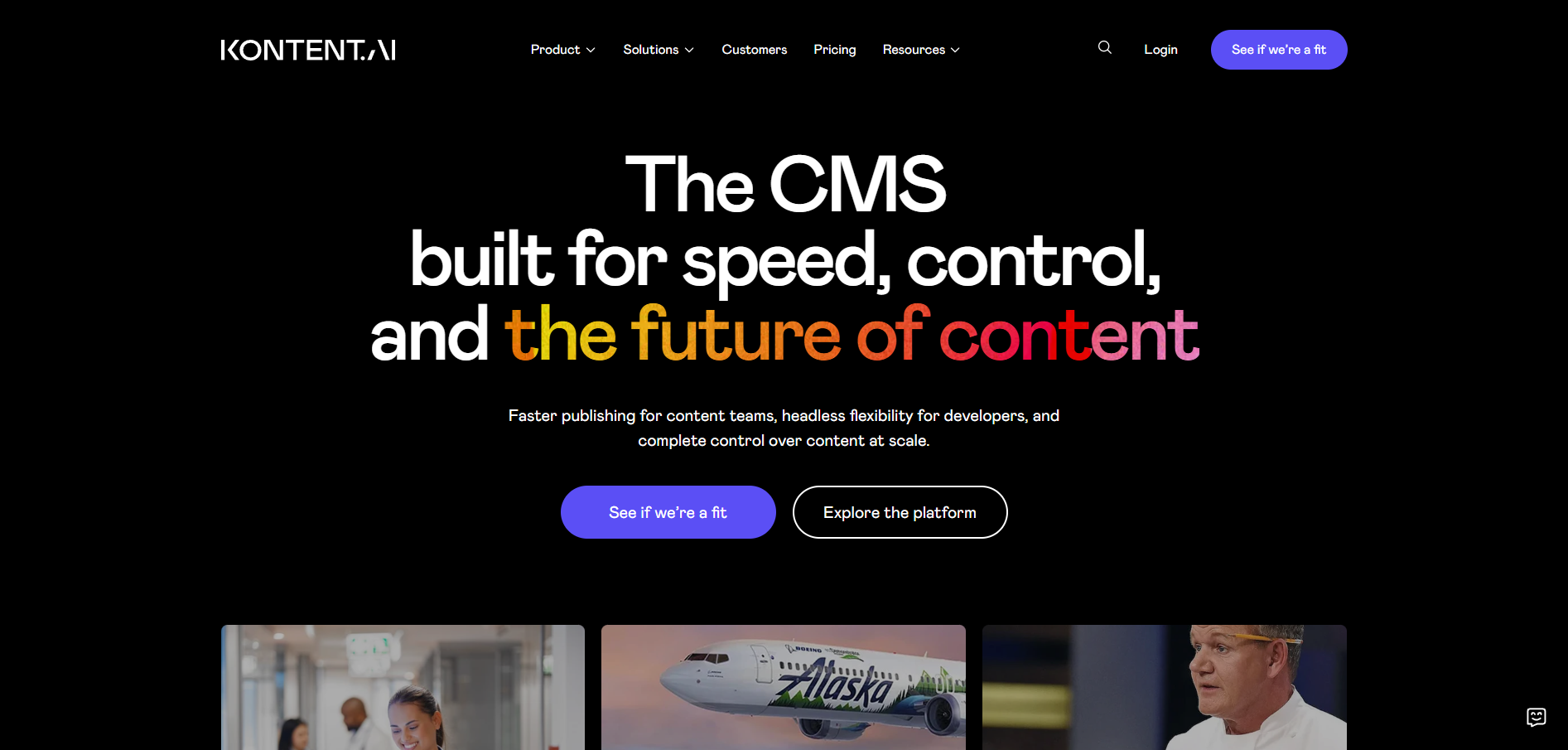
Kontent.ai is built for teams where compliance matters as much as speed. Tight permissions and approval workflows control every step, which suits regulated sectors such as insurance and education.
Fittingly, Zurich Insurance and Oxford University are among its customers.
Starts from: Flex pricing by quote, with a free trial available.
G2 rating: 4.3/5
Which Headless CMS Is Best for Your Requirements?
Every platform above is strong in a different area, so the best choice comes down to what your project needs most. Match your top requirement to the table below to narrow your shortlist in seconds.
| Requirement | Strong options | Why |
| Visual editing | Storyblok, Prismic | Marketers edit pages on a live preview without developers |
| Open source | Strapi, Payload | Free to use, with full access to the code |
| Self-hosting and Australian data residency | Strapi, Payload, Directus, Headless WordPress | Host on your own servers, including in Australia |
| TypeScript and Next.js | Payload | Runs inside your Next.js app, fully typed |
| Microsoft .NET | Umbraco | Built on the Microsoft stack |
| Enterprise governance | Contentful, Contentstack, Kontent.ai | Advanced roles, approvals, SSO and SLAs |
| Multiple brands or regions | Contentful, Contentstack | Manage several sites and markets from one platform |
| Structured or custom content | Sanity | Flexible content models defined in code |
| Existing SQL data | Directus | Turns your current database into an API |
| GraphQL and content federation | Hygraph | Combines content from several systems in one API |
| AI-assisted content workflows | Sanity, Storyblok, Prismic, Strapi | Built-in AI tools or MCP connections for AI assistants |
| Existing WordPress website | Headless WordPress | Keeps your content, users and editors where they are |
How to Choose the Right Headless CMS for Your Business
The right CMS is the one that still fits your content, team and budget in a few years, not just today. Work through these five steps before you commit.
1. Map Your Content Model First
List every type of content you publish, such as pages, products, articles and team profiles, and how they connect. Then check each platform can model that structure without workarounds.
2. Decide How Much Autonomy Your Editors Need
Be honest about how much autonomy your marketing team expects. If editors need to build pages without developer support, visual editing is essential. If developers will handle most changes, a code-first platform gives them more flexibility.
3. Test the Editor With Real Users
A vendor demo is not enough. Set up a free plan or trial and ask a real editor to build and publish a page. If non-technical users struggle in the first hour, adoption will suffer later.
4. Price It at Your Expected Size
Entry prices hide the real cost. Estimate your team size, content volume, locales and API usage in 18 months, then price each platform at that level. For self-hosted options, add hosting and developer time.
5. Check Your Exit Route
Before signing, confirm how you would export your content if you switched. Also check which frontends, apps and tools need to pull content, and whether each platform supports them.
Before you start, confirm you need headless at all. If you run a single website with no plans for apps or other channels, a well-built traditional CMS is usually faster to launch and cheaper to maintain.
Final Verdict: Choosing the Best Headless CMS
There is no single best headless CMS for every team. The right choice depends on who publishes your content, how much control your developers need and what the platform will cost as you grow.
- Choose Storyblok or Prismic if marketers need to build and update pages without developers.
- Choose Sanity if your content needs to be structured and reused across websites, apps and other channels.
- Choose Contentful or Contentstack if you manage multiple brands or regions at enterprise scale.
- Choose Strapi or Payload if your developers want full ownership of the code, hosting and data.
- Choose Headless WordPress if your content, users and editors already live in WordPress.
Whichever platform you shortlist, test it with a real editor and price it at the size you expect to reach. A modern CMS should get easier to live with as you grow, not harder.
If you need professional help choosing or building the right setup, WP Creative can help. Whether you need modern headless CMS development, traditional WordPress development or Shopify development, we can recommend and build the approach that best fits your business.
Best Headless CMS FAQs
What is a headless CMS and how does it differ from a traditional CMS?
A headless CMS, or headless content management system, separates the content layer from the website or app that displays it. Editors manage content in the headless CMS backend, and developers deliver it to any website, app or channel through APIs.
A traditional CMS such as WordPress manages the backend and frontend together. Going headless gives developers more freedom over the frontend, but that frontend must be built and maintained separately.
For a deeper comparison, read our guide on Headless CMS vs Traditional CMS.
Which headless CMS is best in 2026?
The best headless CMS in 2026 depends on who manages your content and what your developers need. Based on our comparison, these are the strongest options by use case:
- Marketing teams: Storyblok or Prismic
- Structured, reusable content: Sanity
- Enterprise content operations: Contentful
- Developer-led teams: Strapi or Payload
- Existing WordPress sites: Headless WordPress
Compare headless CMS options against your content, team and budget rather than features alone.
How much does a headless CMS cost?
A headless CMS can cost anything from nothing to tens of thousands of dollars a year. Sanity, Storyblok, Prismic and Contentful each offer a free headless CMS plan, and Strapi and Payload are free to self-host.
Paid plans start at US$10 a month for Prismic and reach US$300 a month for Contentful Lite. Each pricing model charges differently, whether by seats, spaces or API usage, so price every platform at the size you expect to reach.
What is the best headless CMS for marketers?
Storyblok is the best headless CMS for most marketing teams. Its visual editor lets marketers change pages directly on a live preview.
Prismic is a strong alternative for visual page building and offers maximum value for smaller teams, with paid plans from US$10 a month. Both platforms let marketers build pages from approved components without waiting on developers.
What is the easiest headless CMS to use?
Storyblok is the easiest headless CMS for editors, because changes happen on a live preview of the page. Prismic is similarly simple, and Headless WordPress is familiar to anyone who already uses WordPress.
Setup matters as well. A clean admin UI and well-planned components have a major impact on editorial usability, so test any platform with a real editor before committing.
What is the best headless CMS for developers?
Payload is the best headless CMS for TypeScript and Next.js developers, as it runs inside your app with automatic types. Sanity suits developers who want flexible content models defined in code, and Strapi suits Node.js teams that need an extensible, open-source backend.
In most cases, the best fit is the platform that matches the stack your team already uses.
What is the best open-source headless CMS?
Strapi is the most established open-source headless CMS, with more than 73,000 GitHub stars and a large plugin marketplace. Payload is the better fit for TypeScript and Next.js teams, with an MIT licence and no seat fees.
Both give you complete ownership of the code, which removes the risk of vendor lock-in.
Which self-hosted CMS is best?
Strapi is the best all-round self-hosted headless CMS, with a free Community edition and unlimited usage. Payload suits Next.js projects, Directus suits existing SQL databases, and Headless WordPress suits teams already on WordPress.
Self-hosting gives you full control over where your data is stored, including in Australia. In return, your team is responsible for hosting, backups and security updates.
What is the best headless CMS for Astro?
Astro works with almost any headless CMS, because it can pull content from any API. Storyblok offers official Astro guides, WPGraphQL connects Headless WordPress to Astro, and Sanity and Strapi also integrate well.
Rather than choosing on Astro support alone, compare previews, SDKs and the editing workflow your team needs.
What is the best headless CMS for global teams?
Contentful and Contentstack are the strongest options for global teams managing multiple brands, markets and languages. Kontent.ai suits global teams in regulated industries, and Sanity offers flexibility with unlimited locales, even on its free plan.
Check language limits across pricing tiers before choosing. Contentful Lite is capped at three locales, and Storyblok Growth includes two.
Is WordPress a headless CMS?
WordPress is not a headless CMS by default, but it can be used as one. Its built-in REST API and the WPGraphQL plugin allow WordPress to manage content while a separate frontend, built with Next.js or Astro, runs the website.
This hybrid setup suits organisations that want a modern frontend without migrating content or retraining editors.
Is a headless CMS good for SEO?
A headless CMS can support strong SEO, but it does not guarantee better rankings. Page speed, server rendering and clean URLs depend on how the frontend is built.
Within the CMS, editable meta titles, redirects and structured data fields are essential features. Without them, every SEO update requires a developer.

Get Your Free Website Audit
($3,000 Value)
- Uncover performance issues
- Identify SEO opportunities
- Security gaps, and quick wins